Supplement

MJ PDF Gallery

Every screenshot of MJ PDF v3.0.0 in one place.

Back to MJ PDF by Mudlej Updated

Every screenshot of MJ PDF v3.0.0. For what each feature does, read the v3.0.0 release page.

Home#

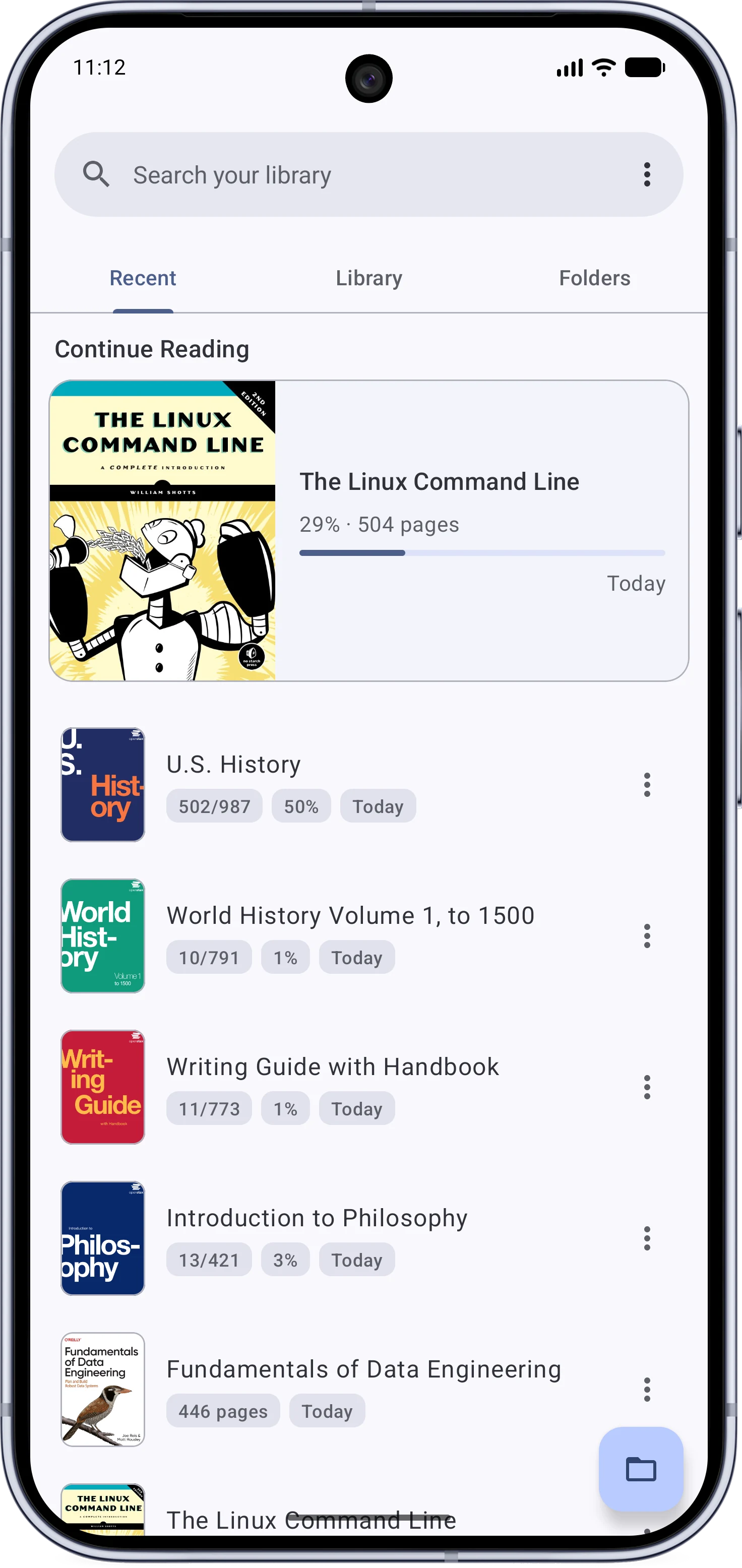
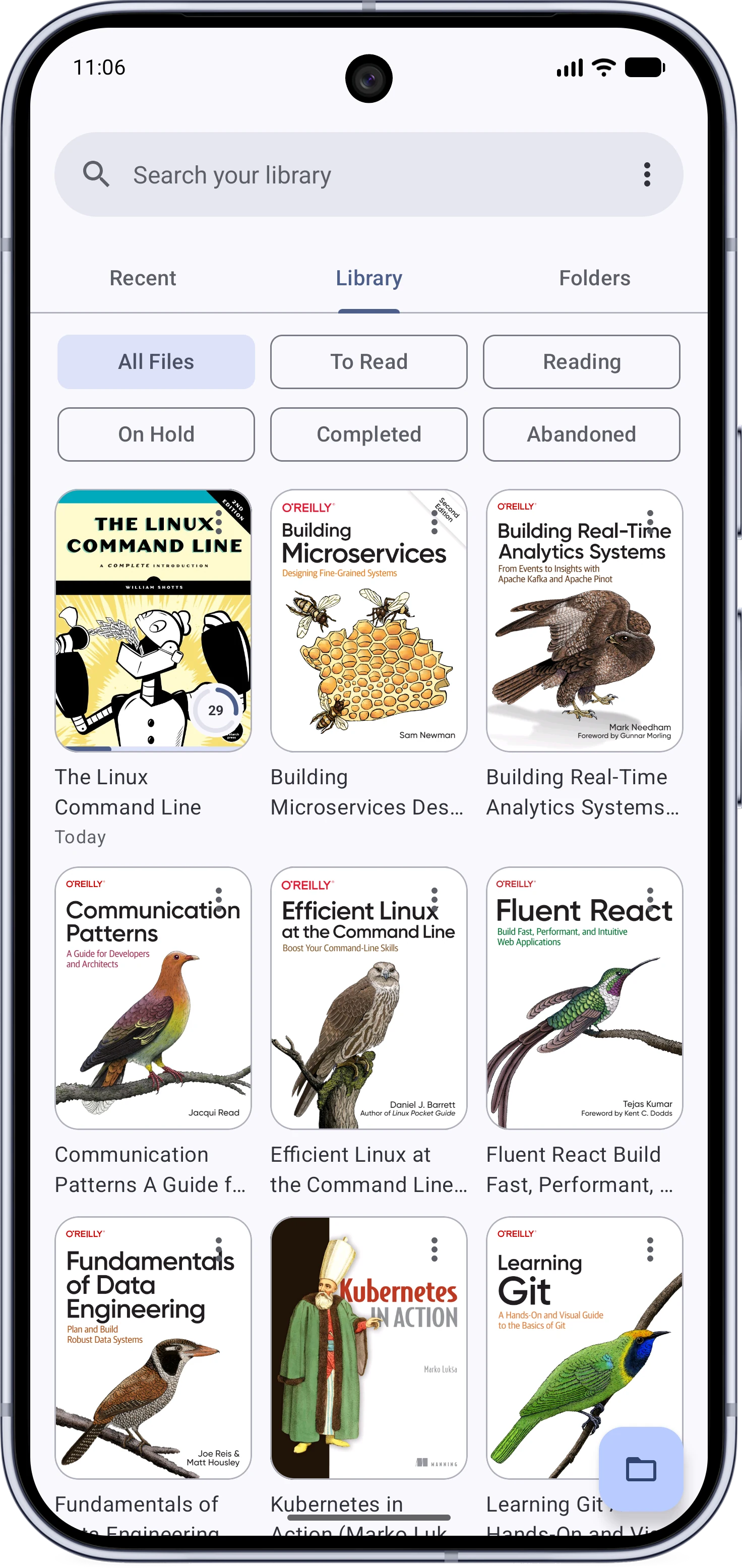
The Recent tabThe Library tab
The Recent tab with the Continue Reading pagerThe Library tab with covers and reading statuses
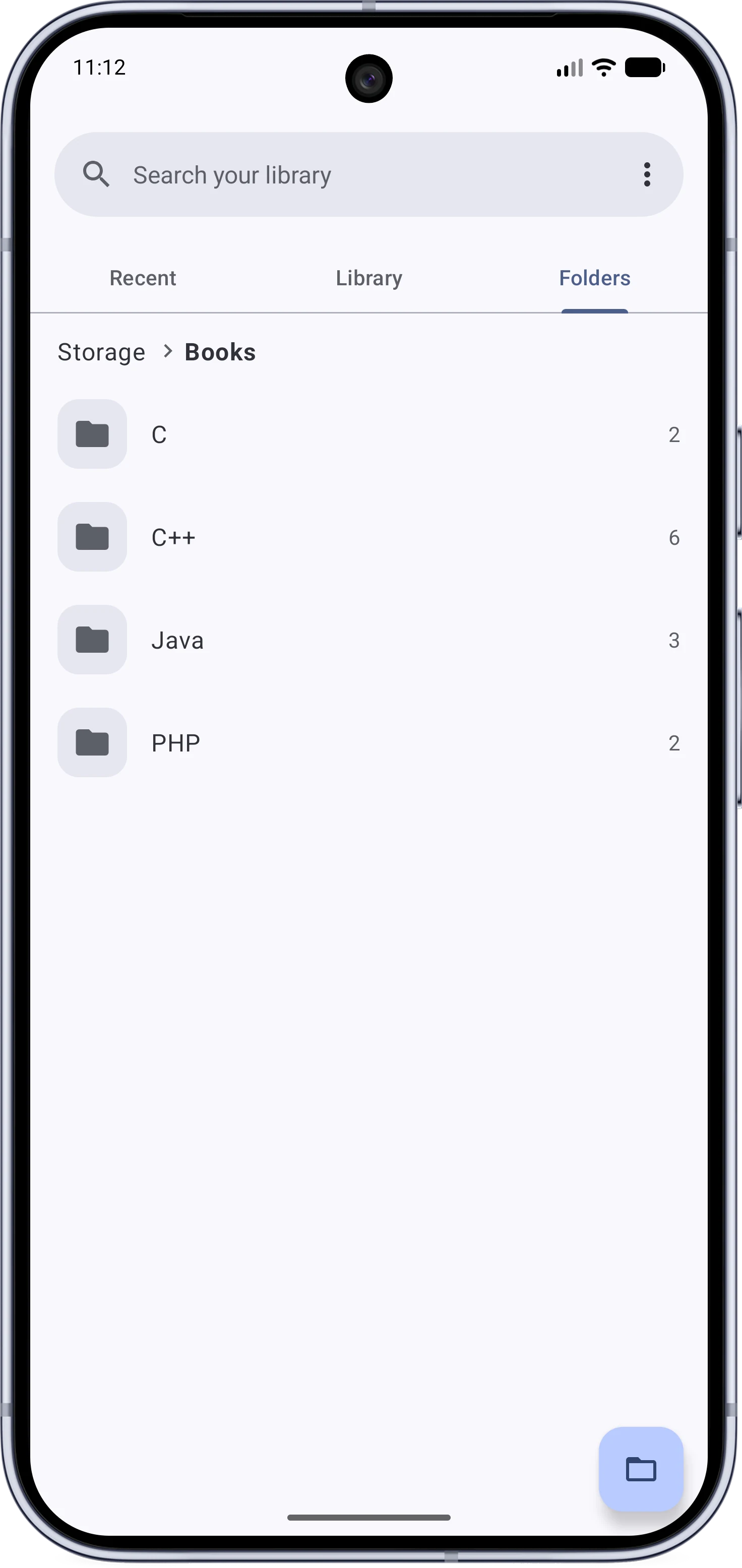
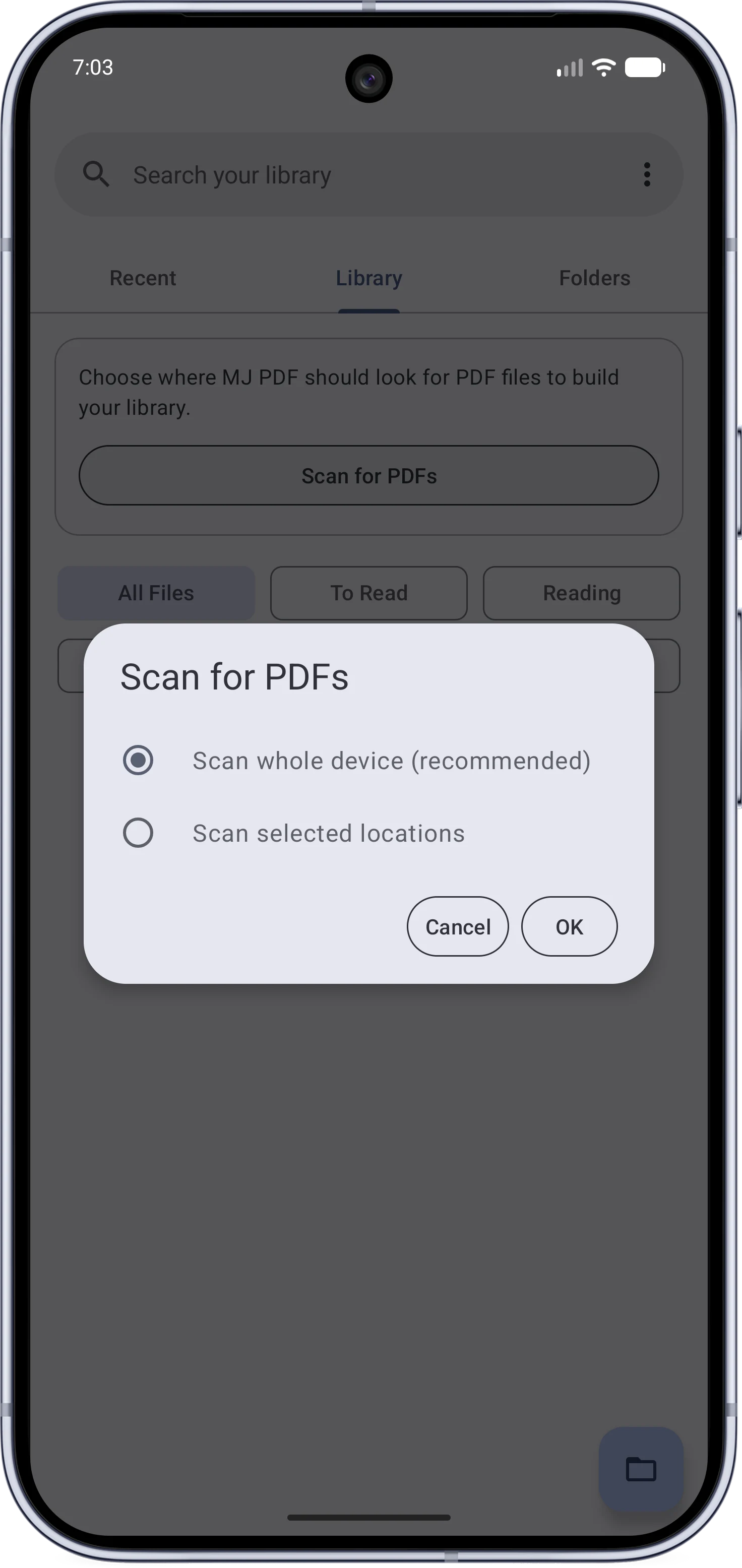
The Folders tabChoosing scan locations
The Folders tab browsing device foldersThe folder picker for choosing scan locations

The Reader#

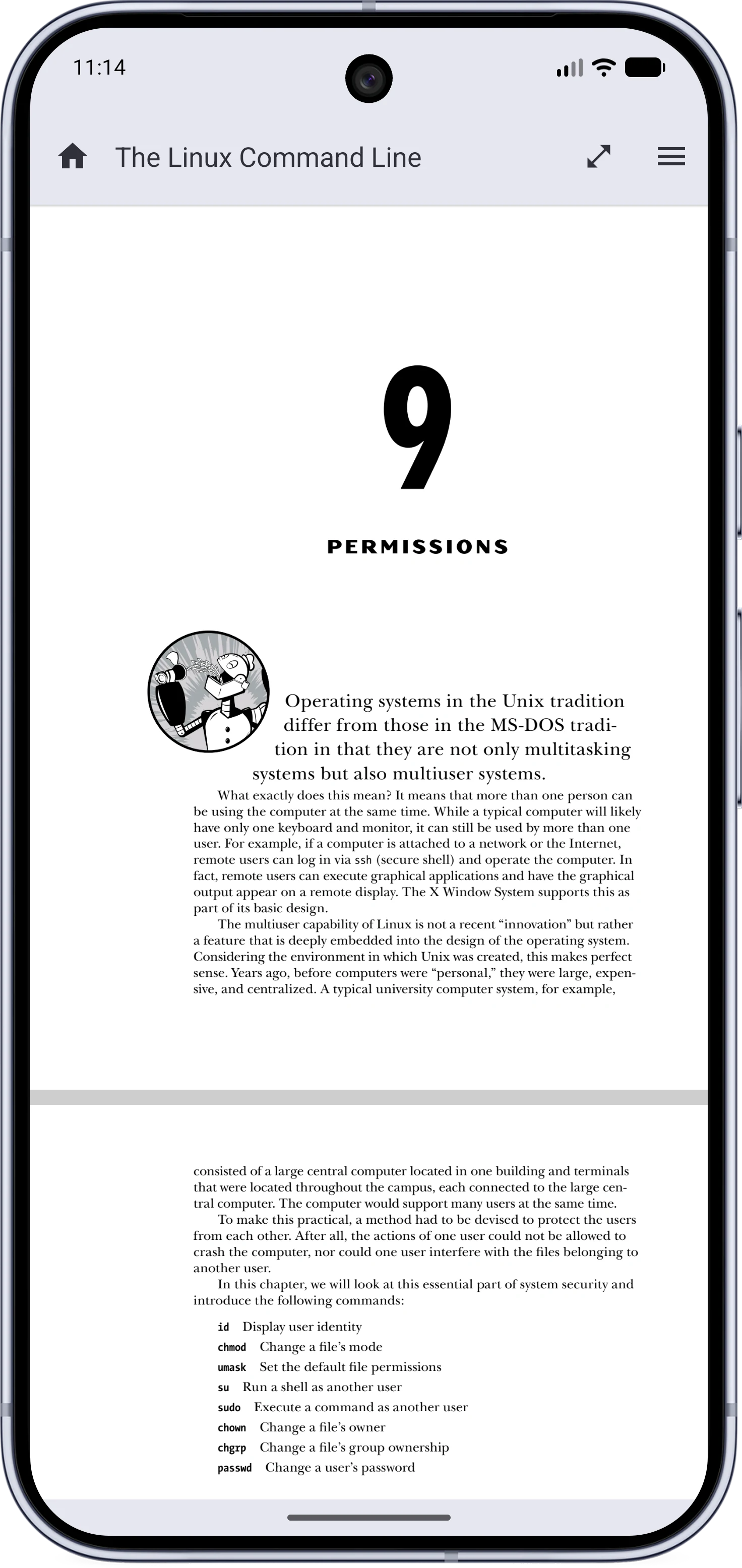
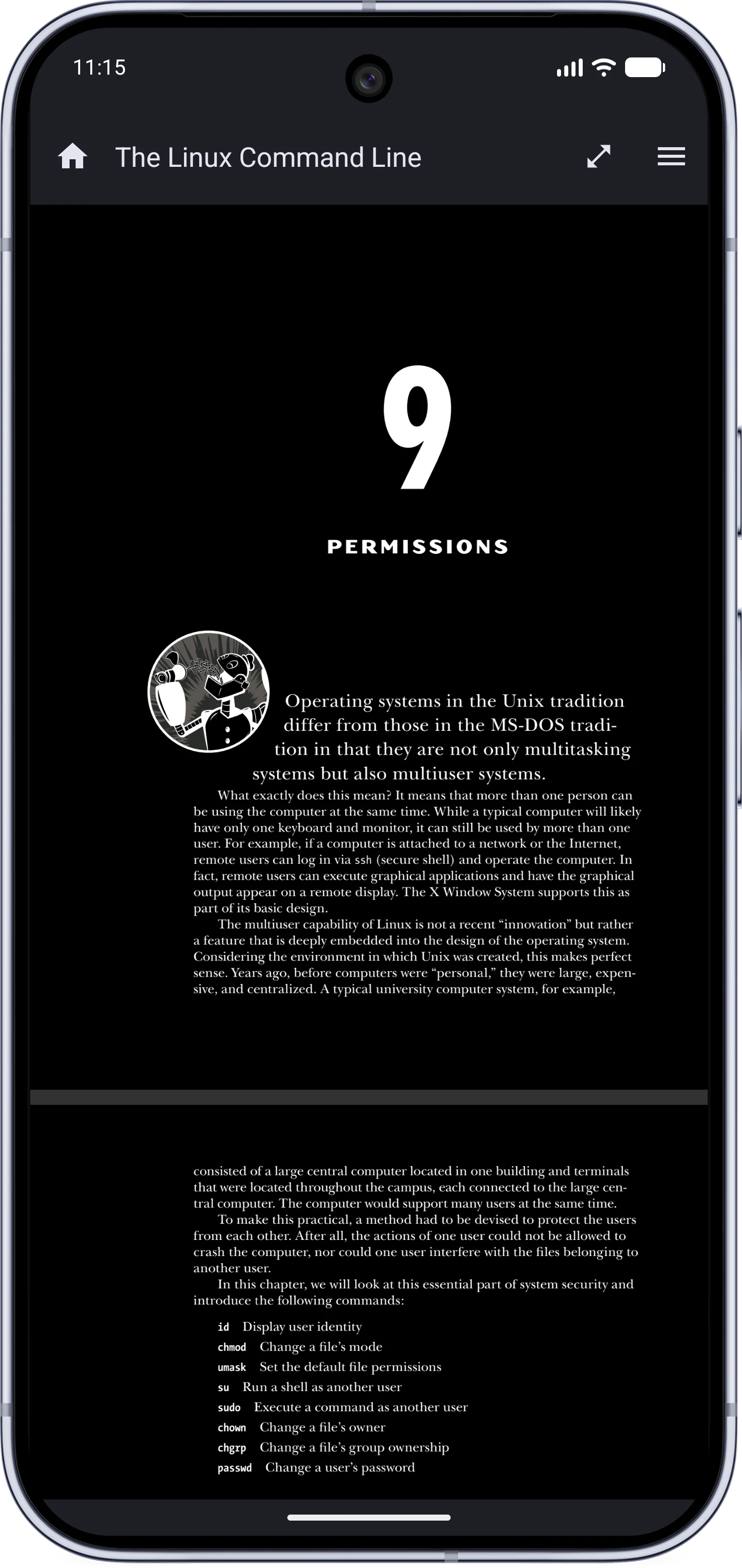
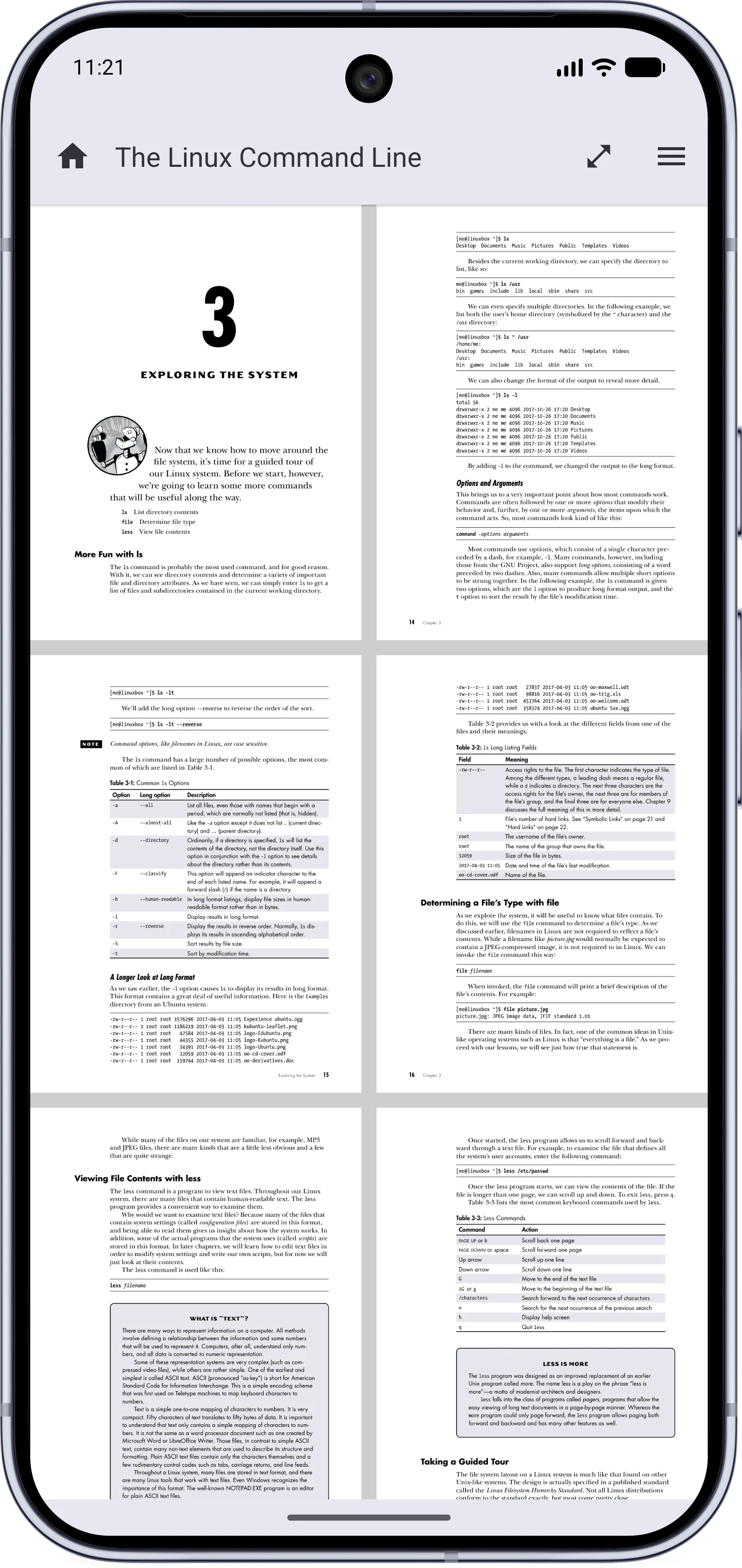
LightDark
The reader in light modeThe reader in dark mode
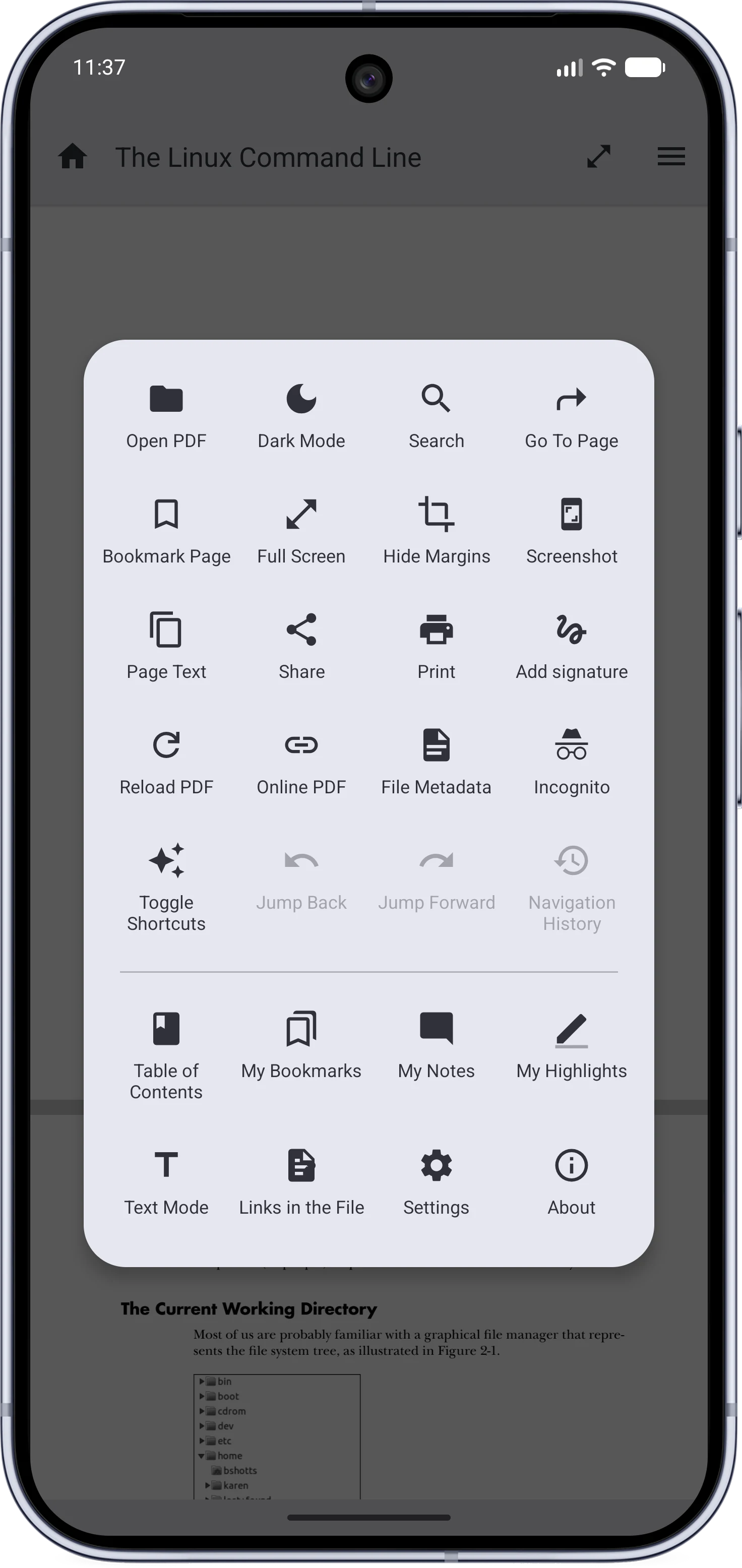
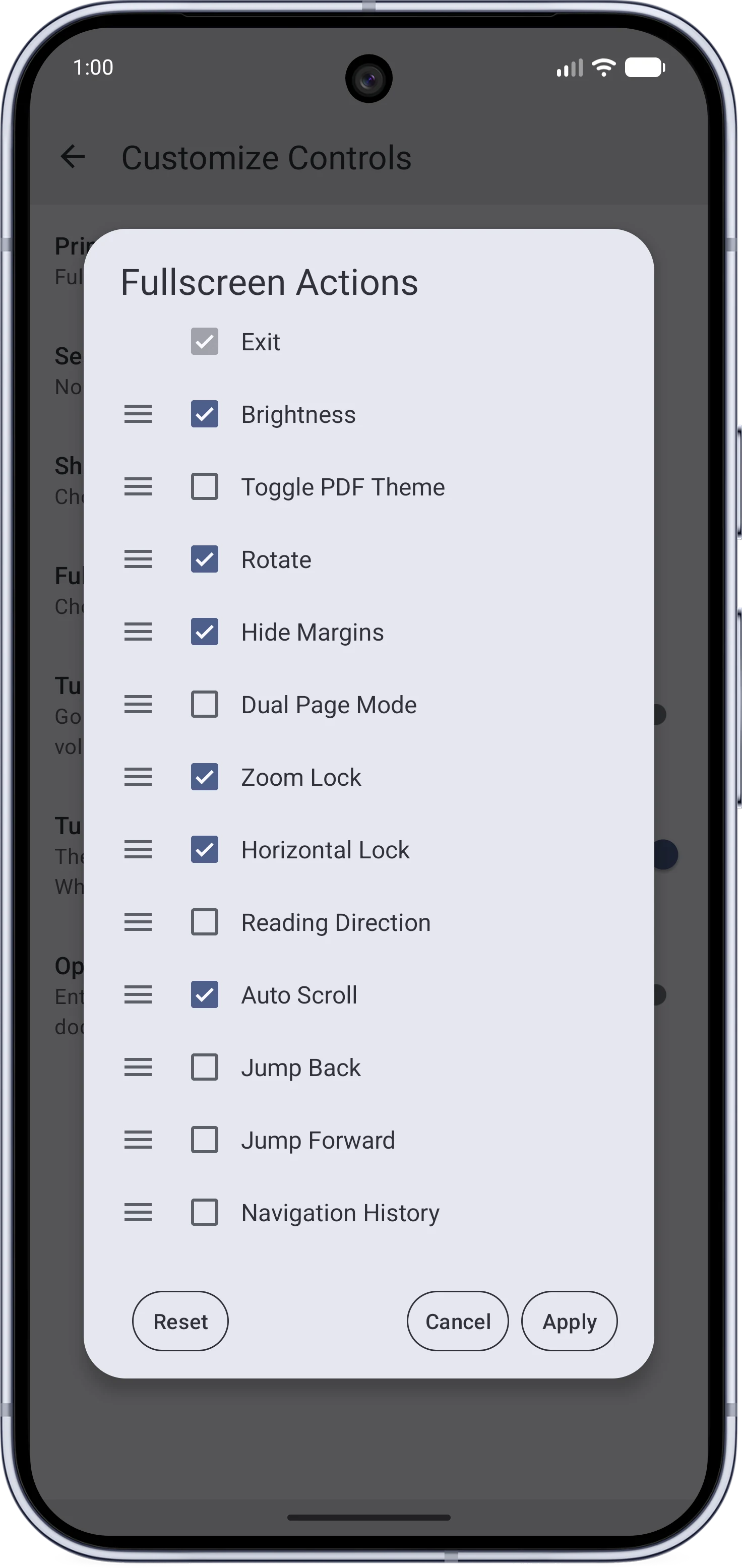
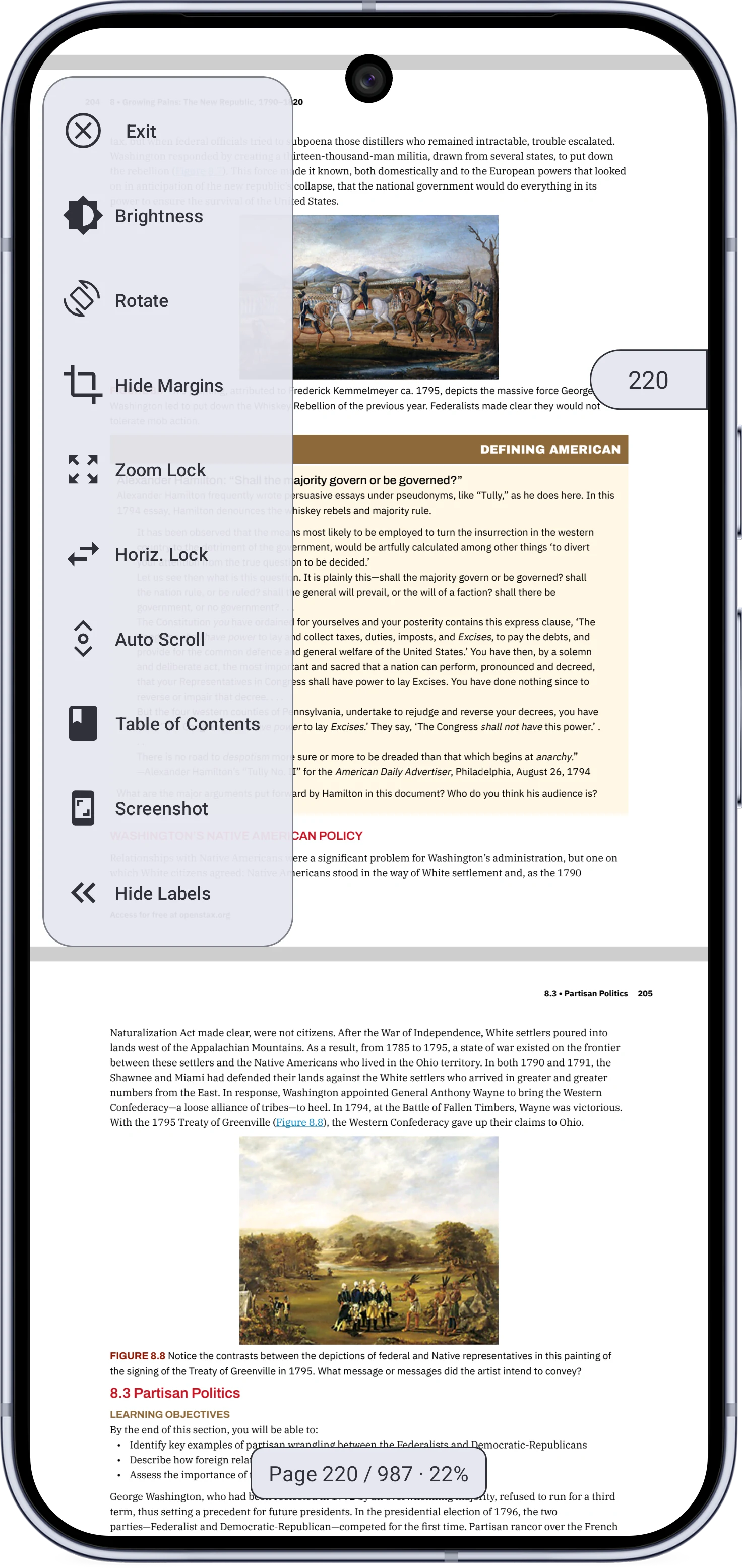
The reader menuConfiguring the buttons
The two-section tile grid reader menuThe drag-and-drop button configuration dialog
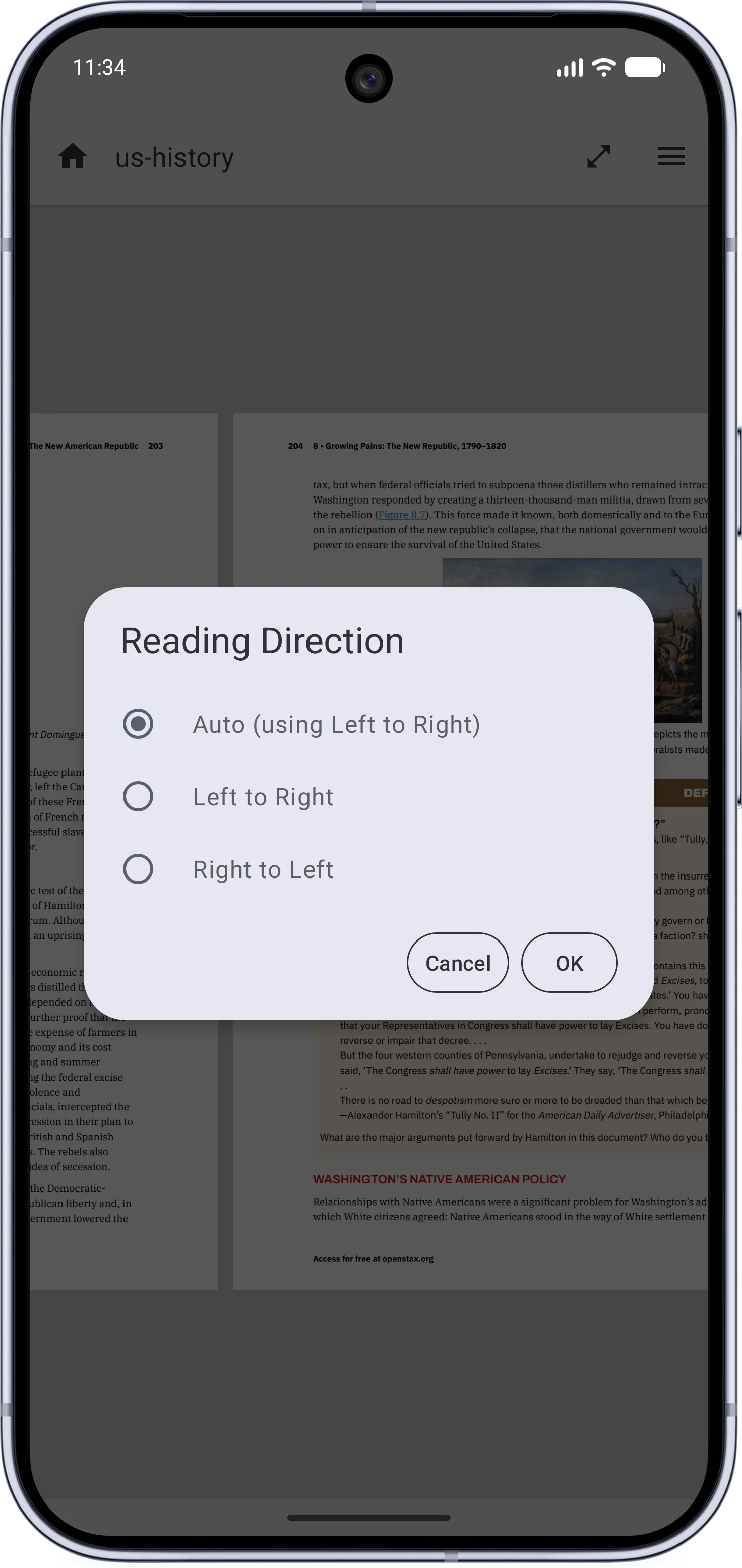
Fullscreen buttonsReading direction
The configurable fullscreen buttonsThe per-document reading direction dialog
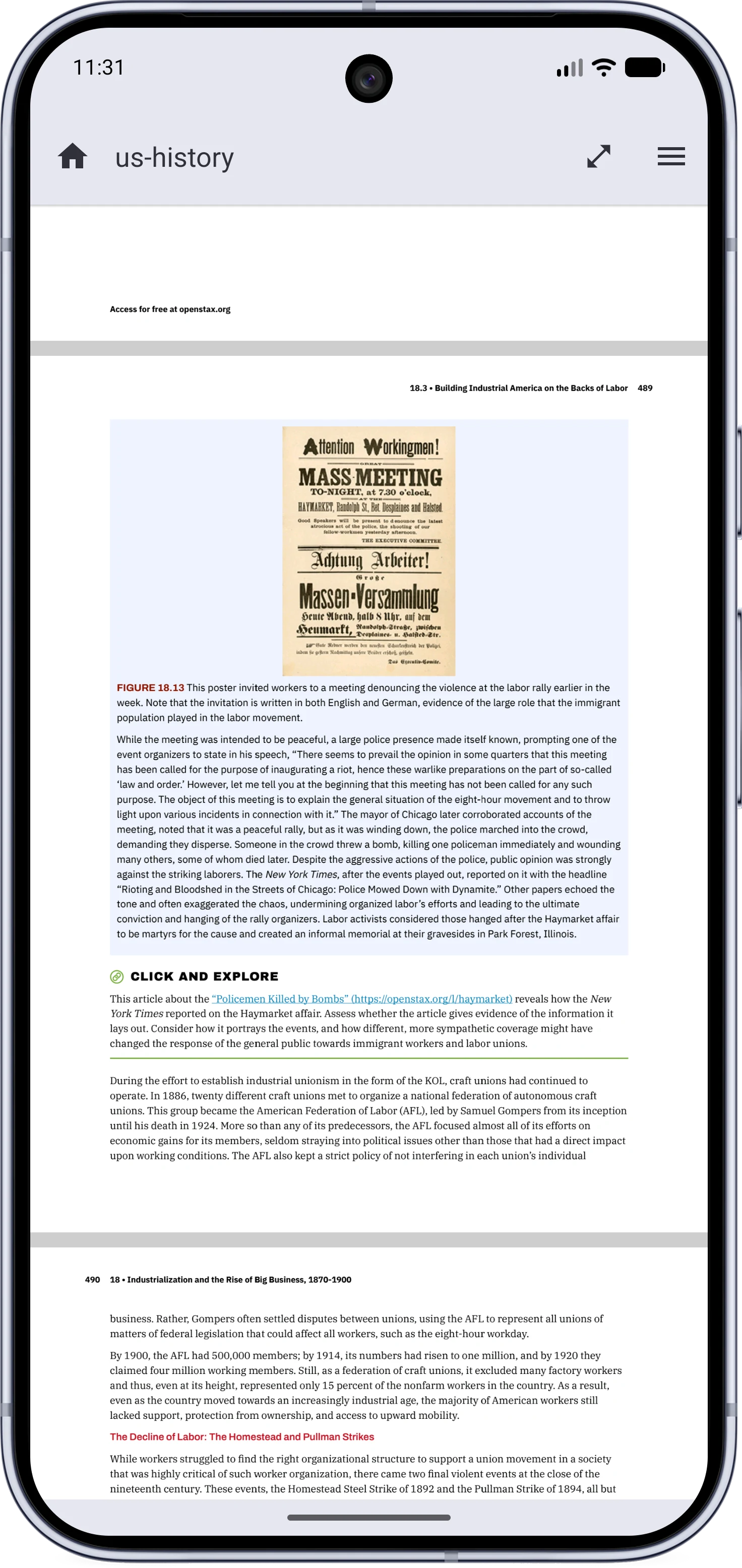
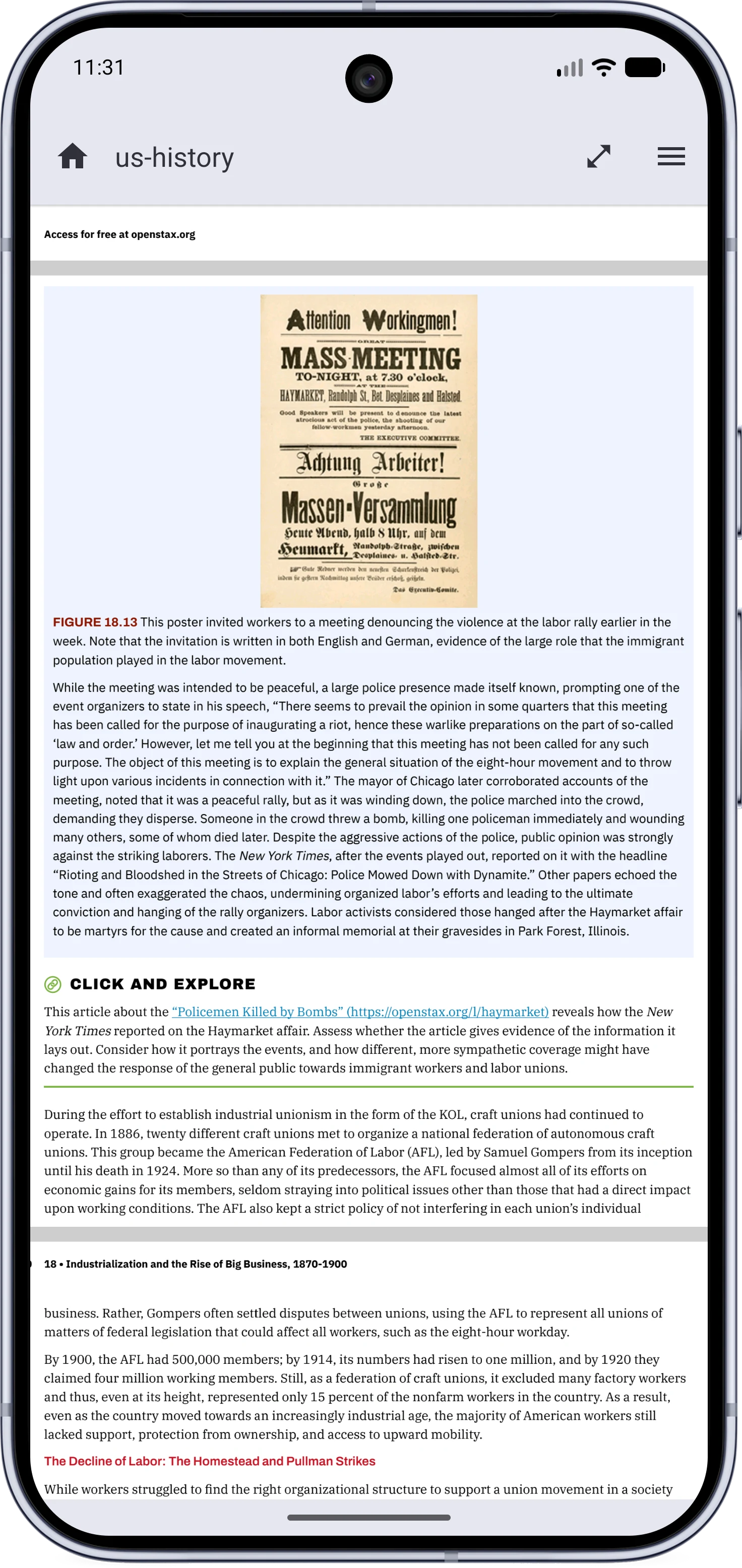
Margins shownMargins hidden
A page with wide blank marginsThe same page with margins hidden
Dual Page Mode
Dual page mode showing a two-page spread
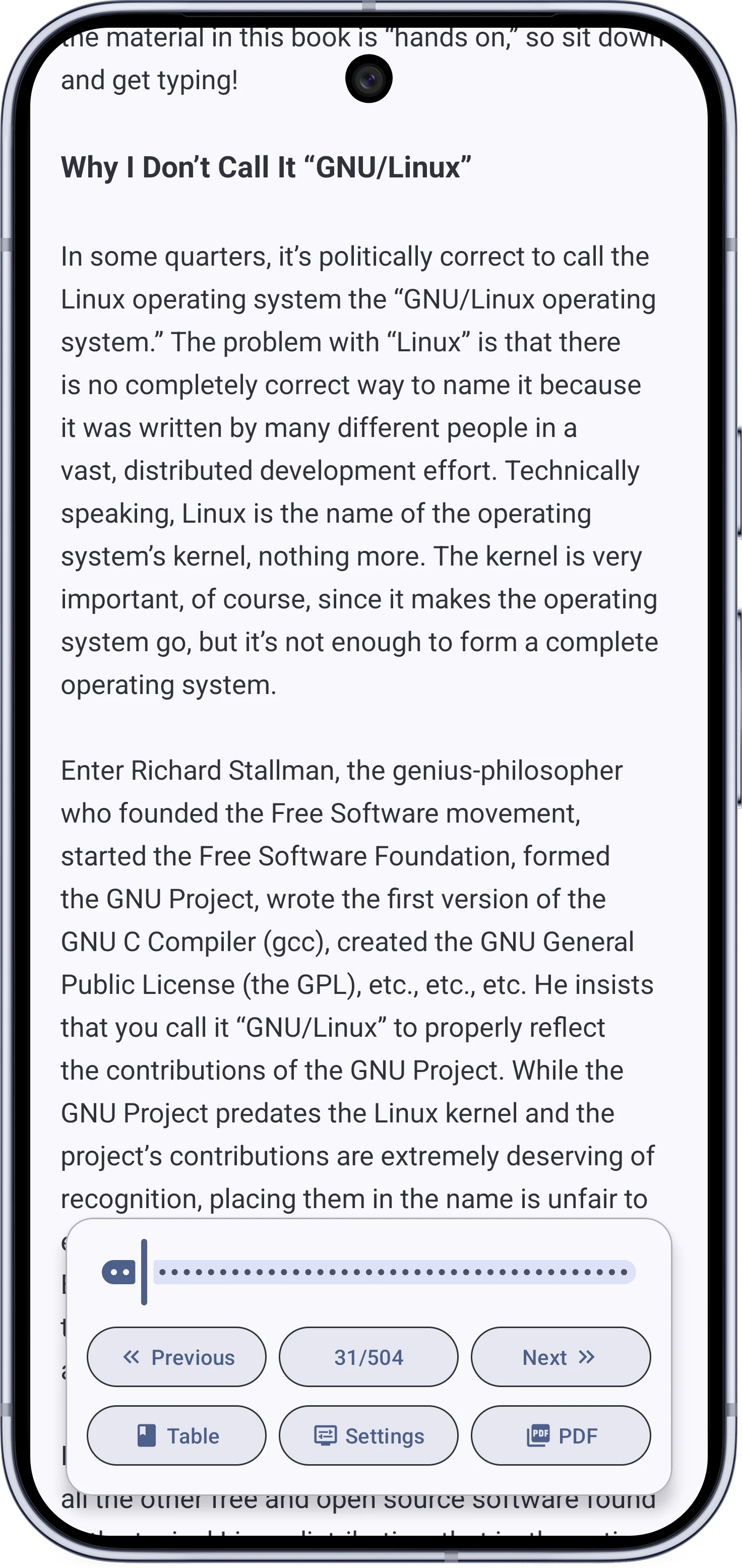
Text Mode
Text Mode with typography settings

Annotation#

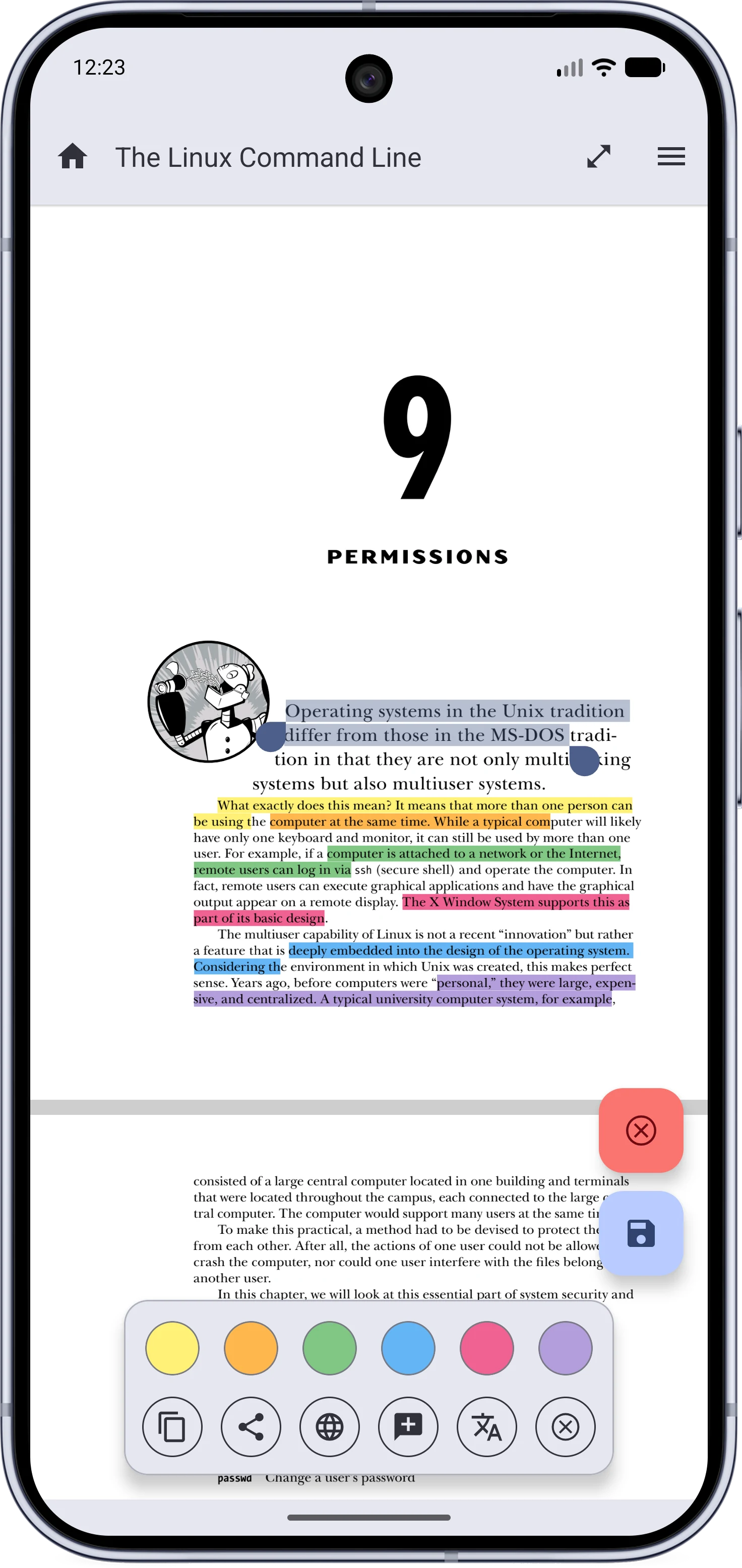
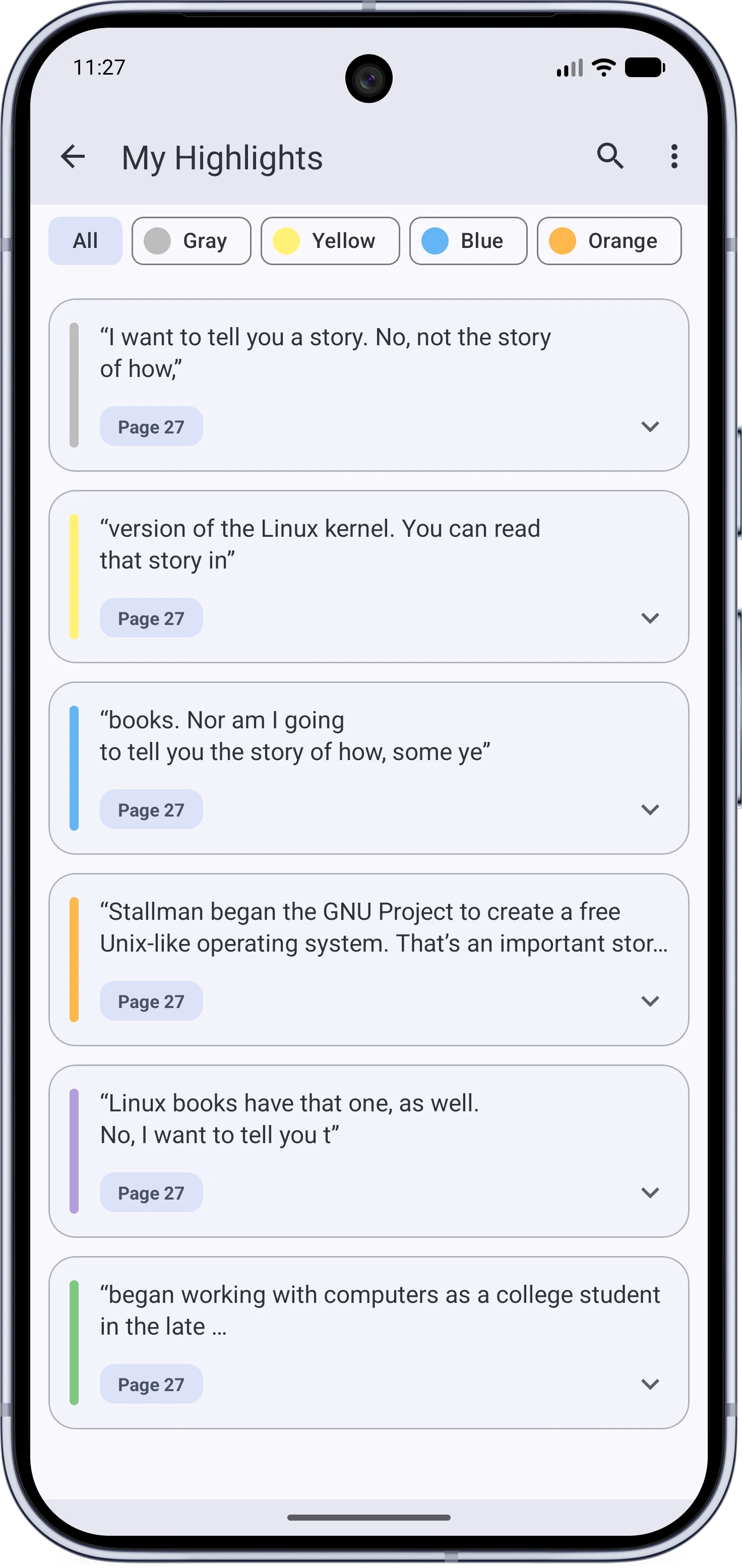
Selecting and highlightingMy Highlights
Inline text selection with the action cardThe My Highlights page listing highlights
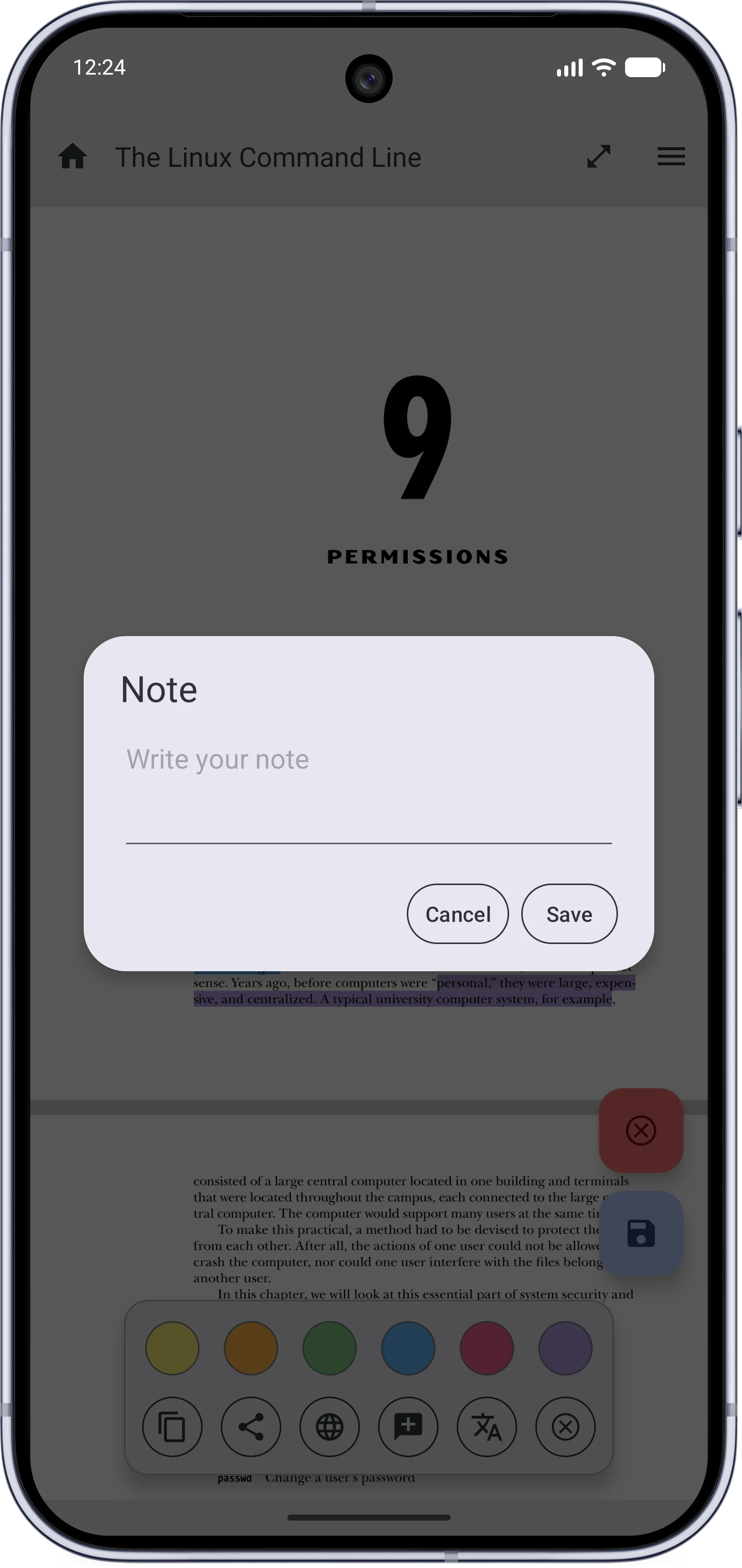
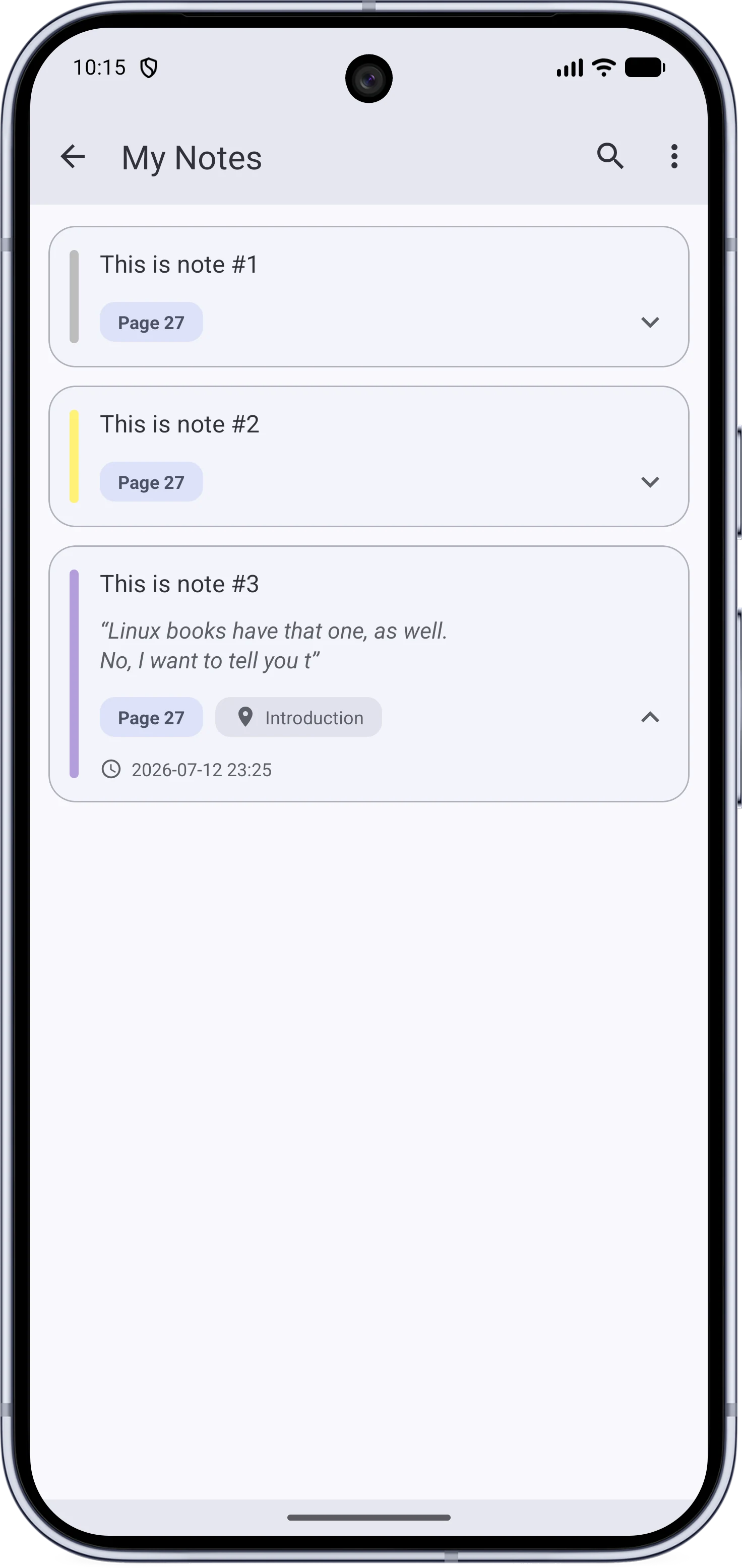
Adding a noteMy Notes
The note editor attached to a highlightThe My Notes page listing notes
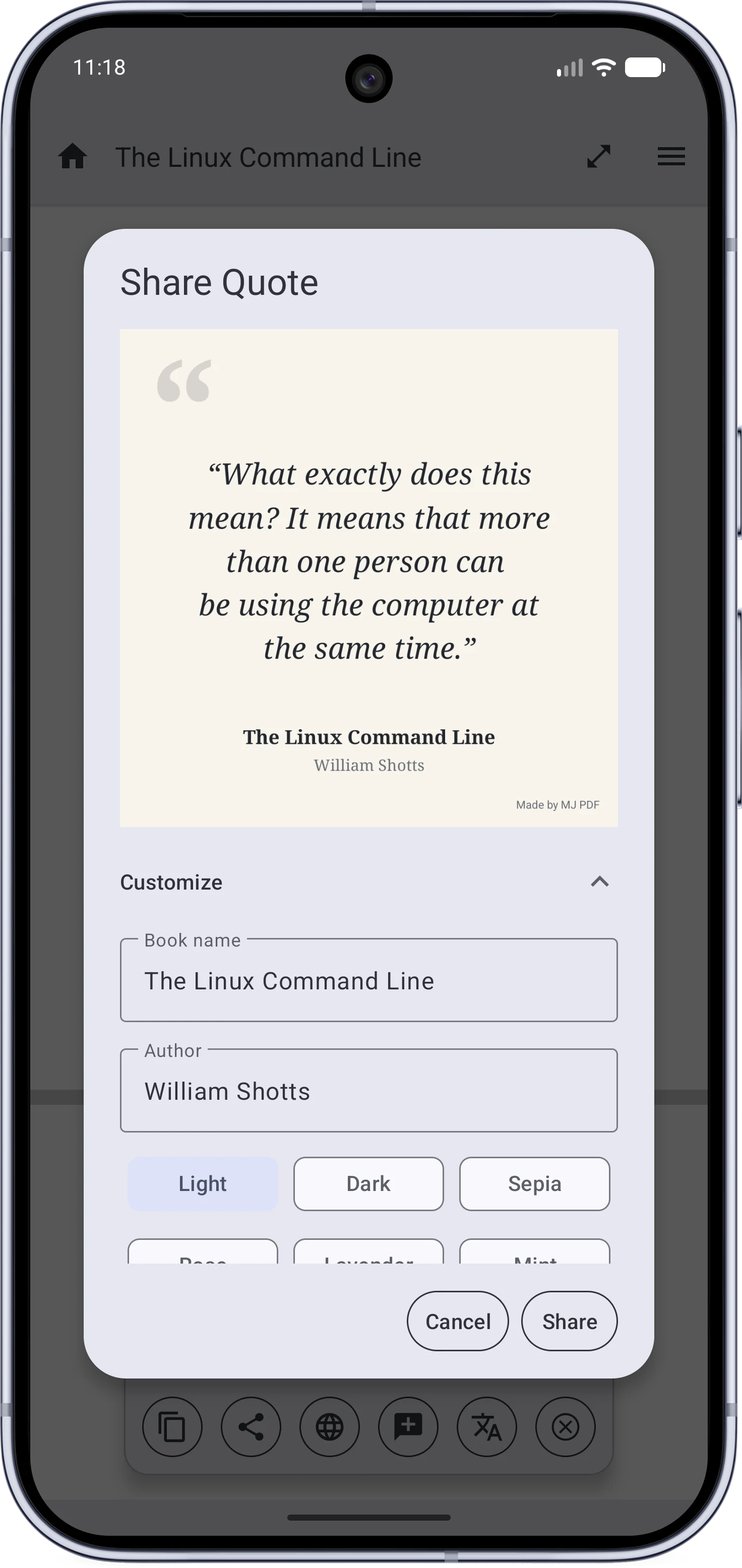
Sharing a quote
Sharing a selected quote as a styled image
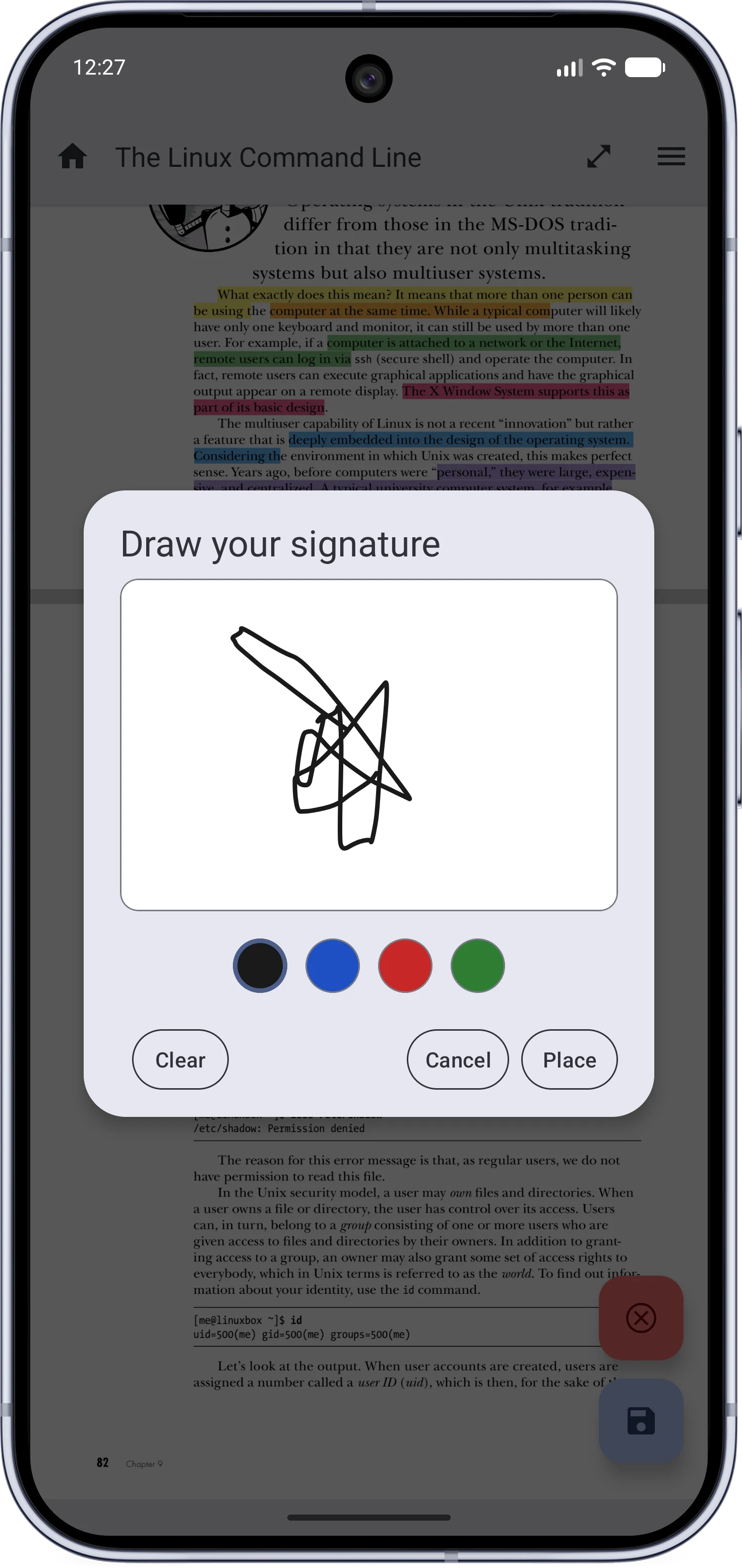
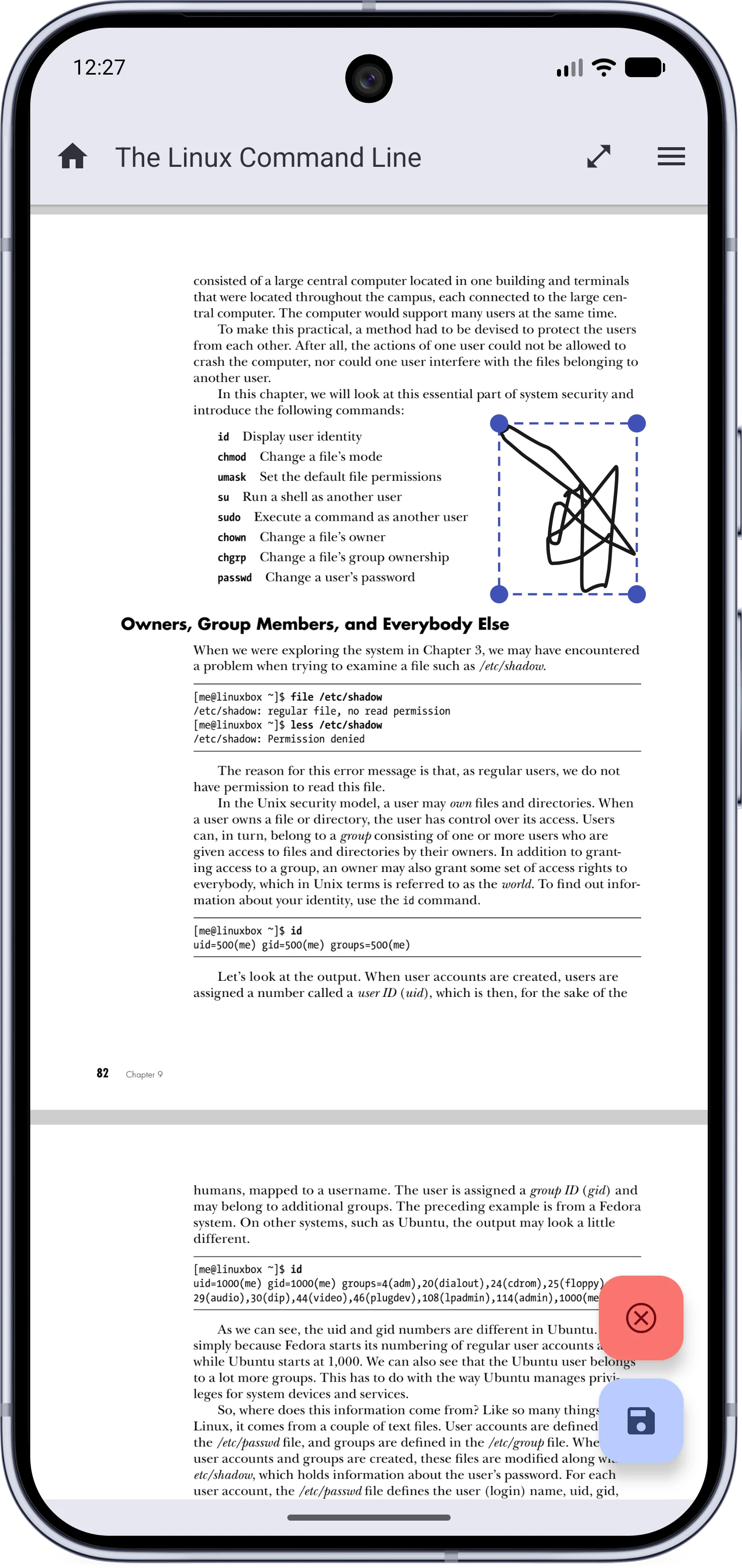
Drawing a signaturePlacing a signature
The signature drawing dialogPlacing a signature on a PDF page
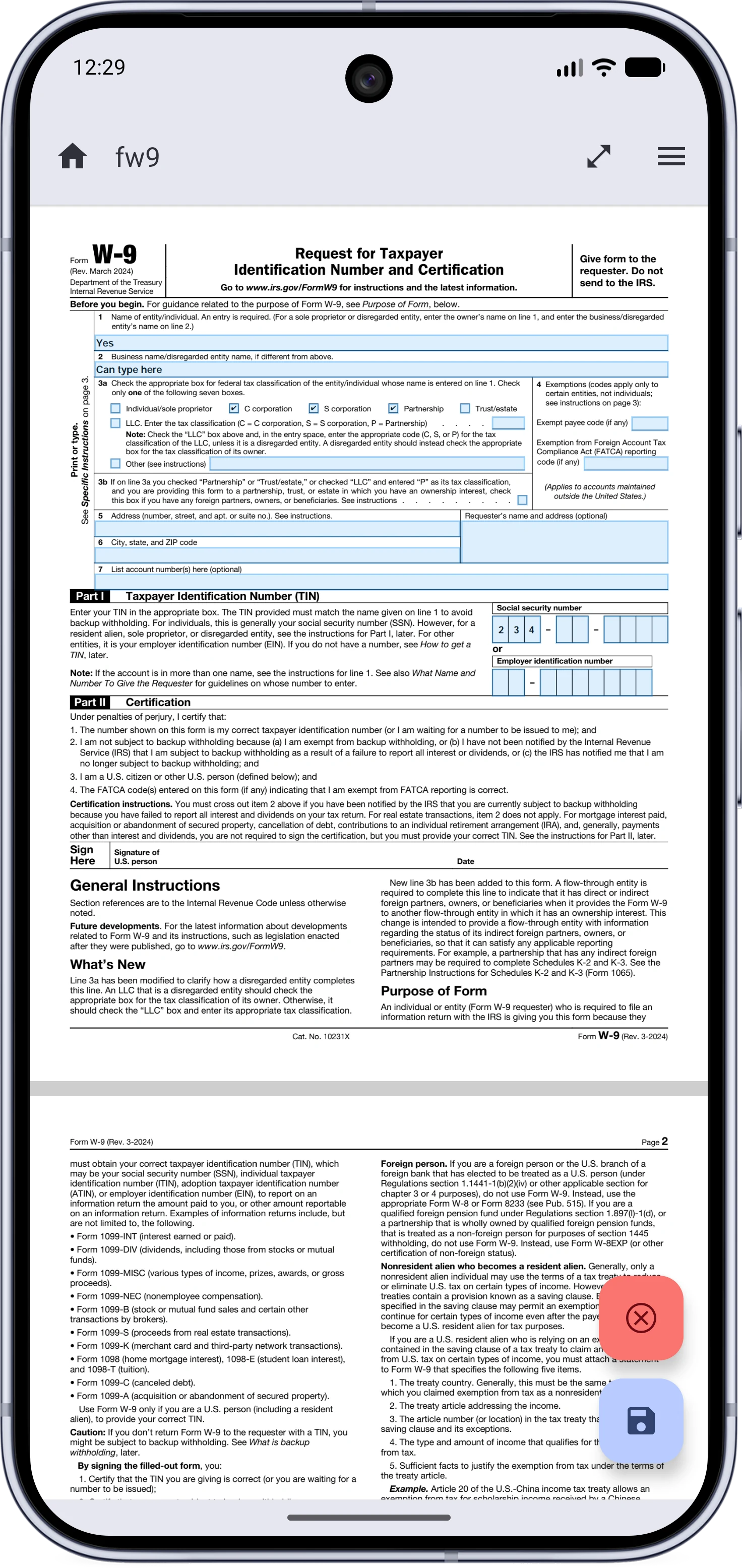
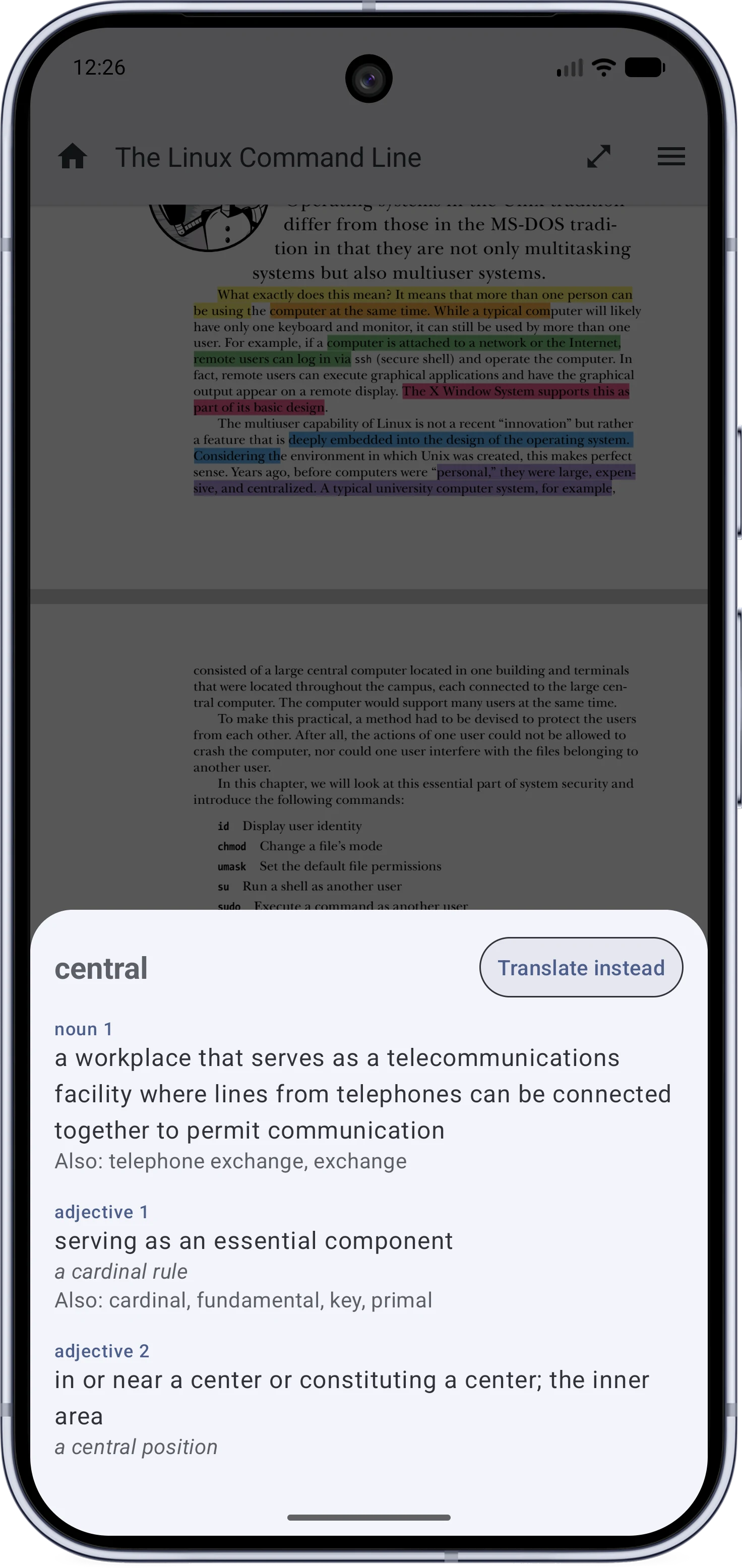
Filling a formThe offline dictionary
Filling a PDF form fieldThe definition sheet for a selected word

Navigation#

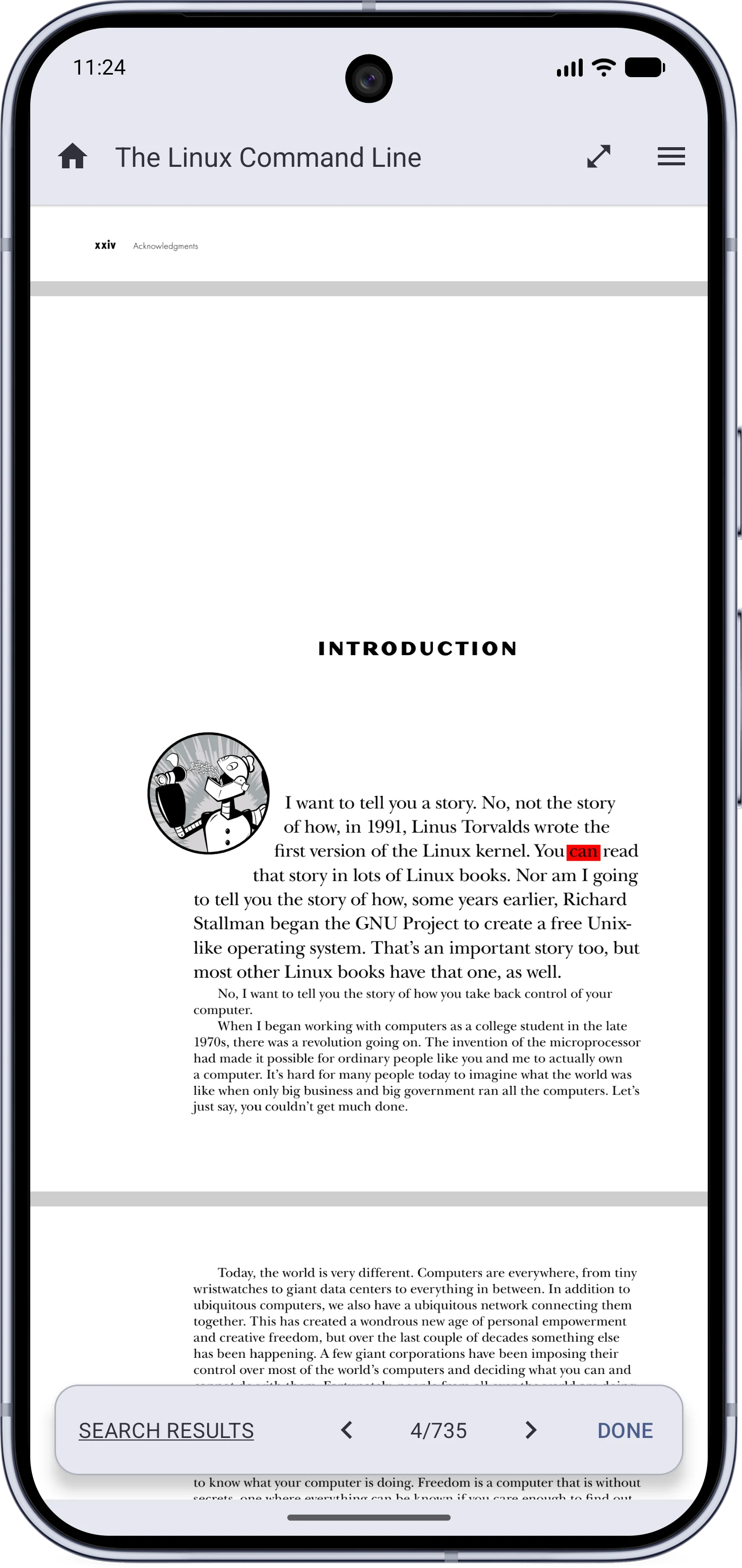
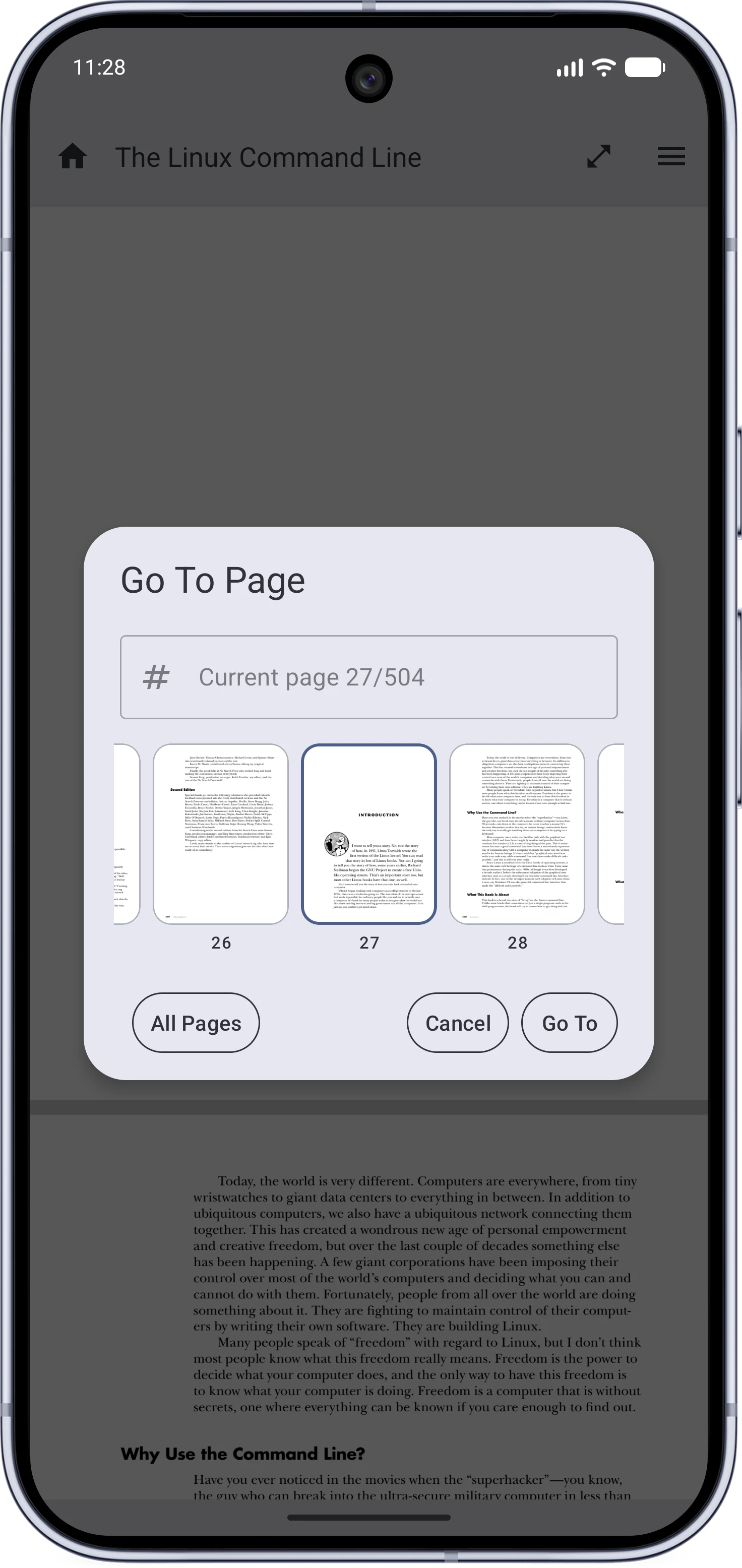
Search resultsGo To Page
The in-reader search results bar with arrows and a counterThe go to page dialog with thumbnails
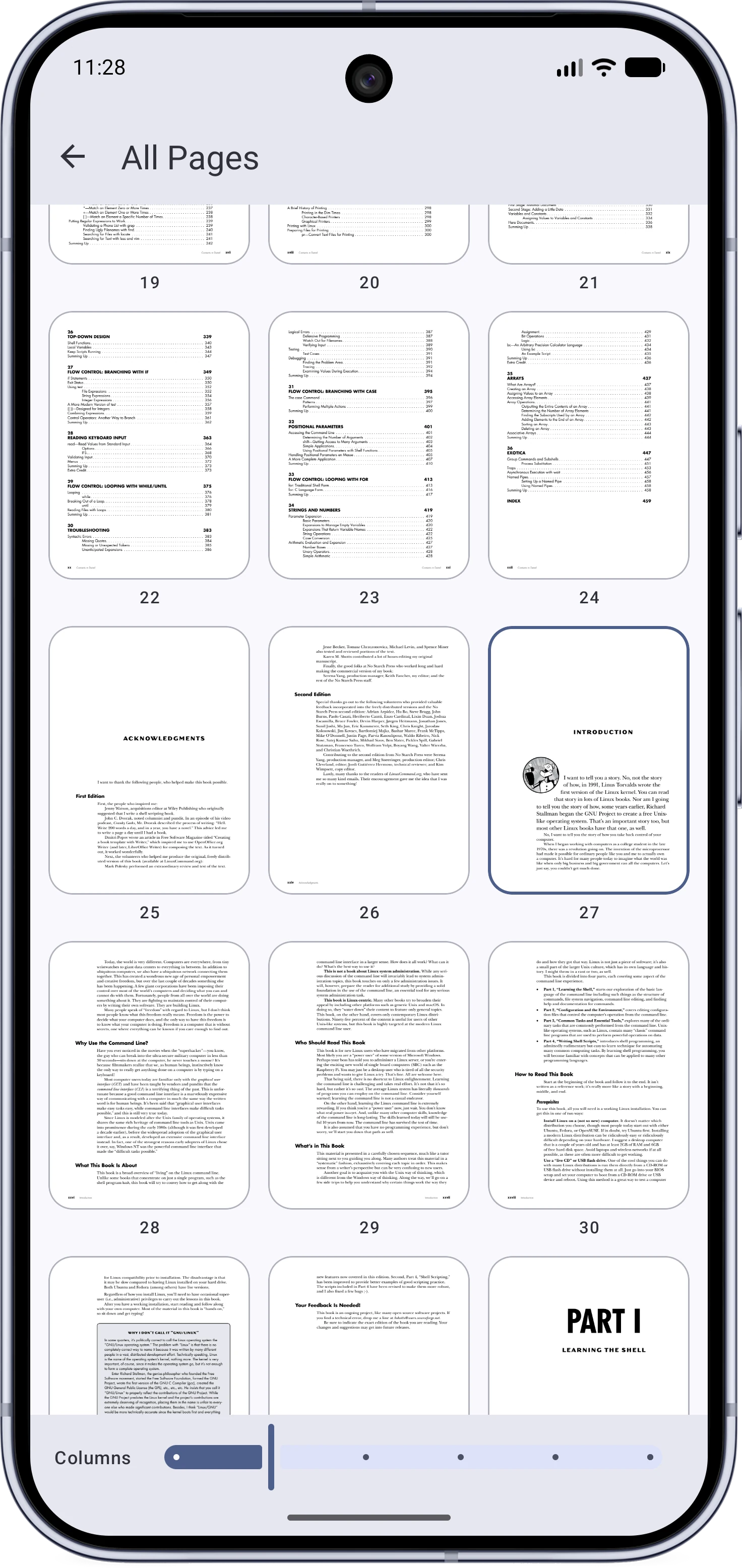
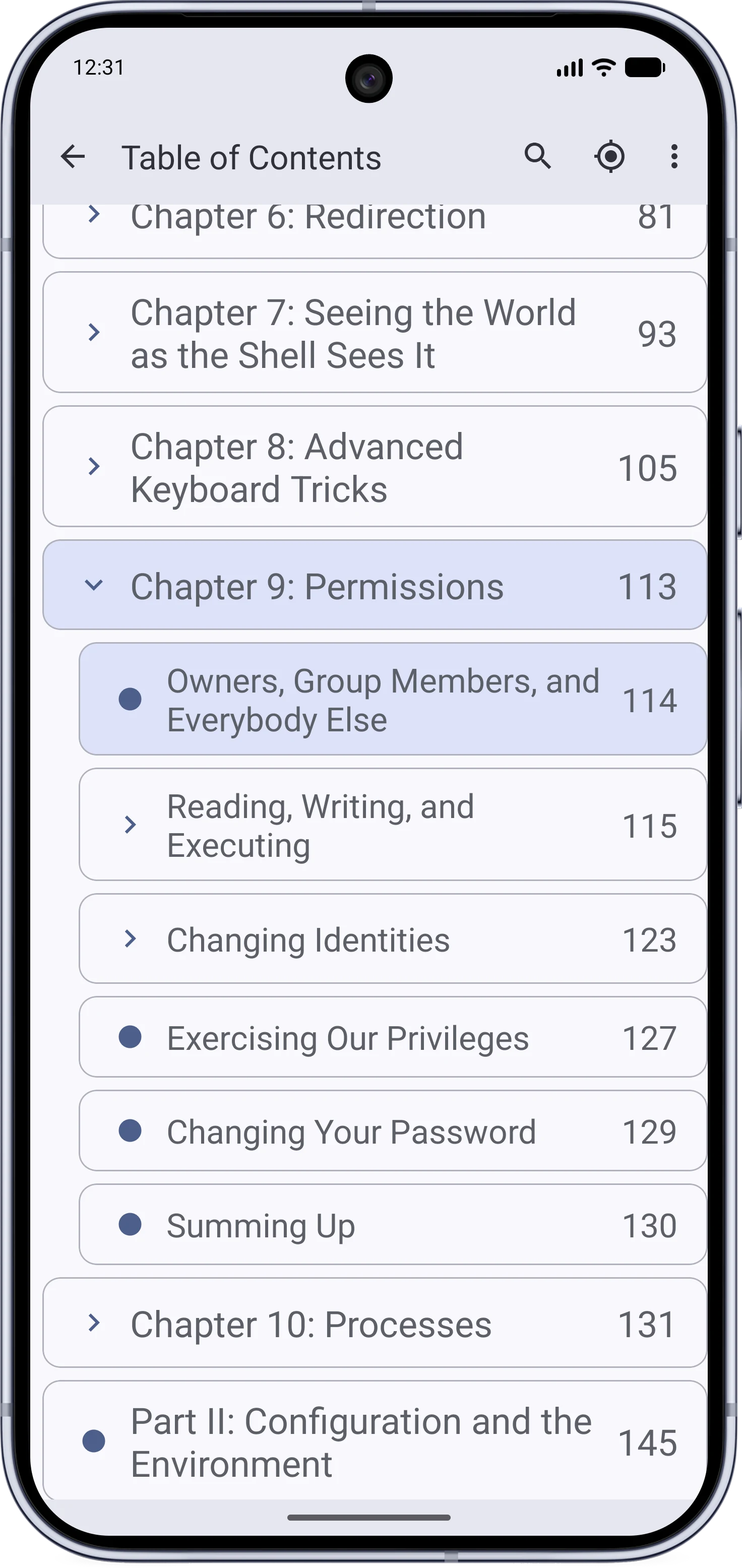
All pagesTable of Contents
The all pages gridThe searchable table of contents
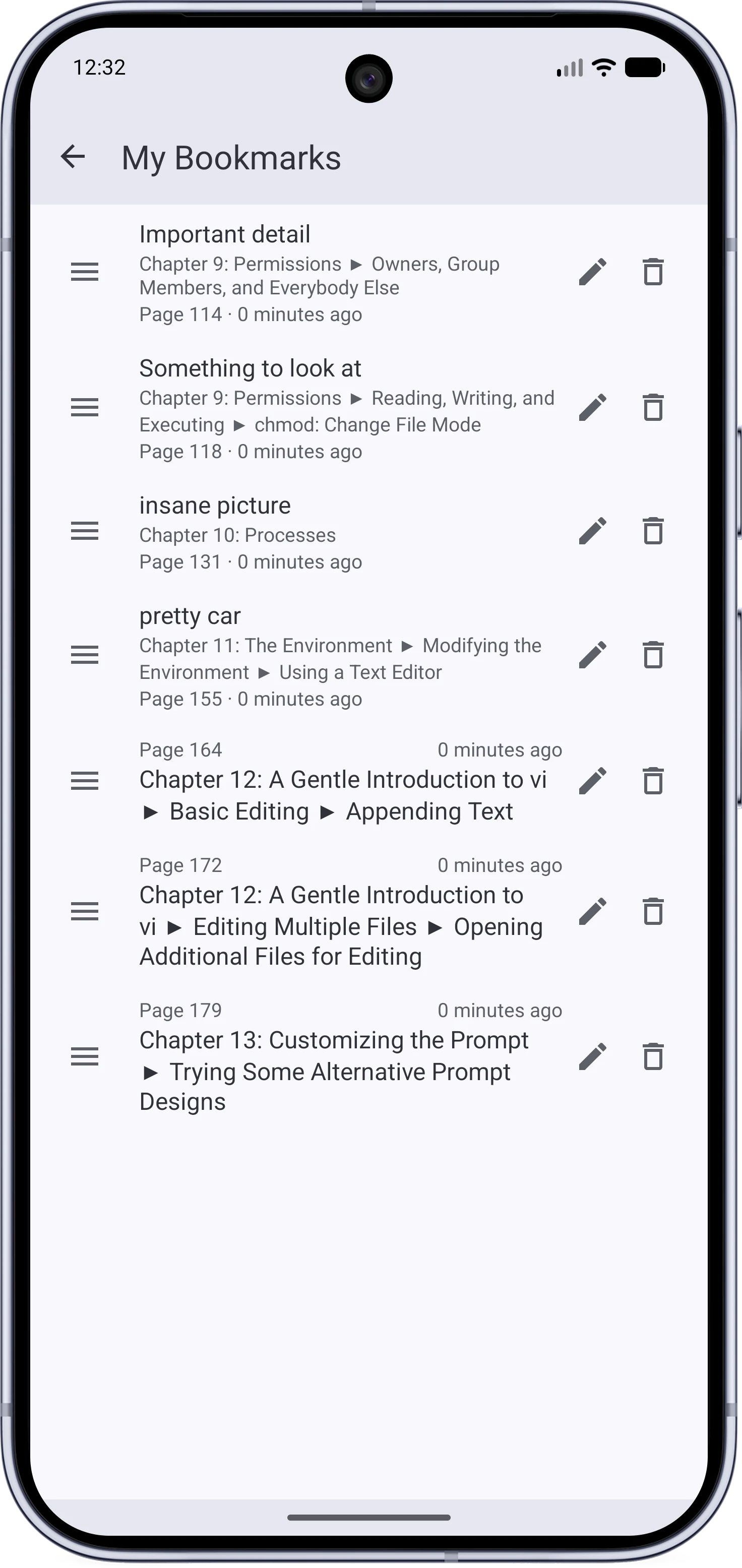
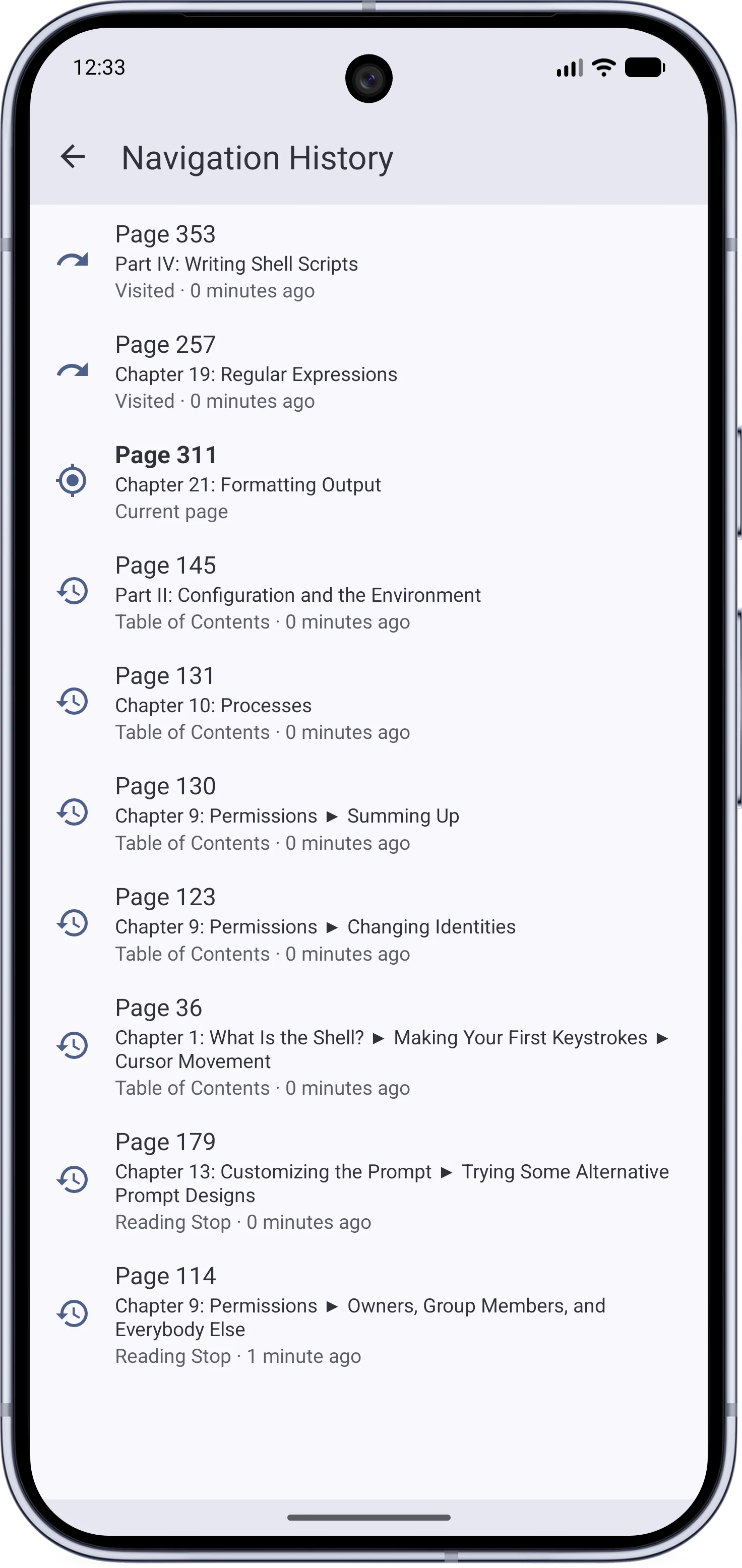
My BookmarksNavigation history
The user bookmarks pageThe navigation history page with forward and back sections

Privacy and Settings#

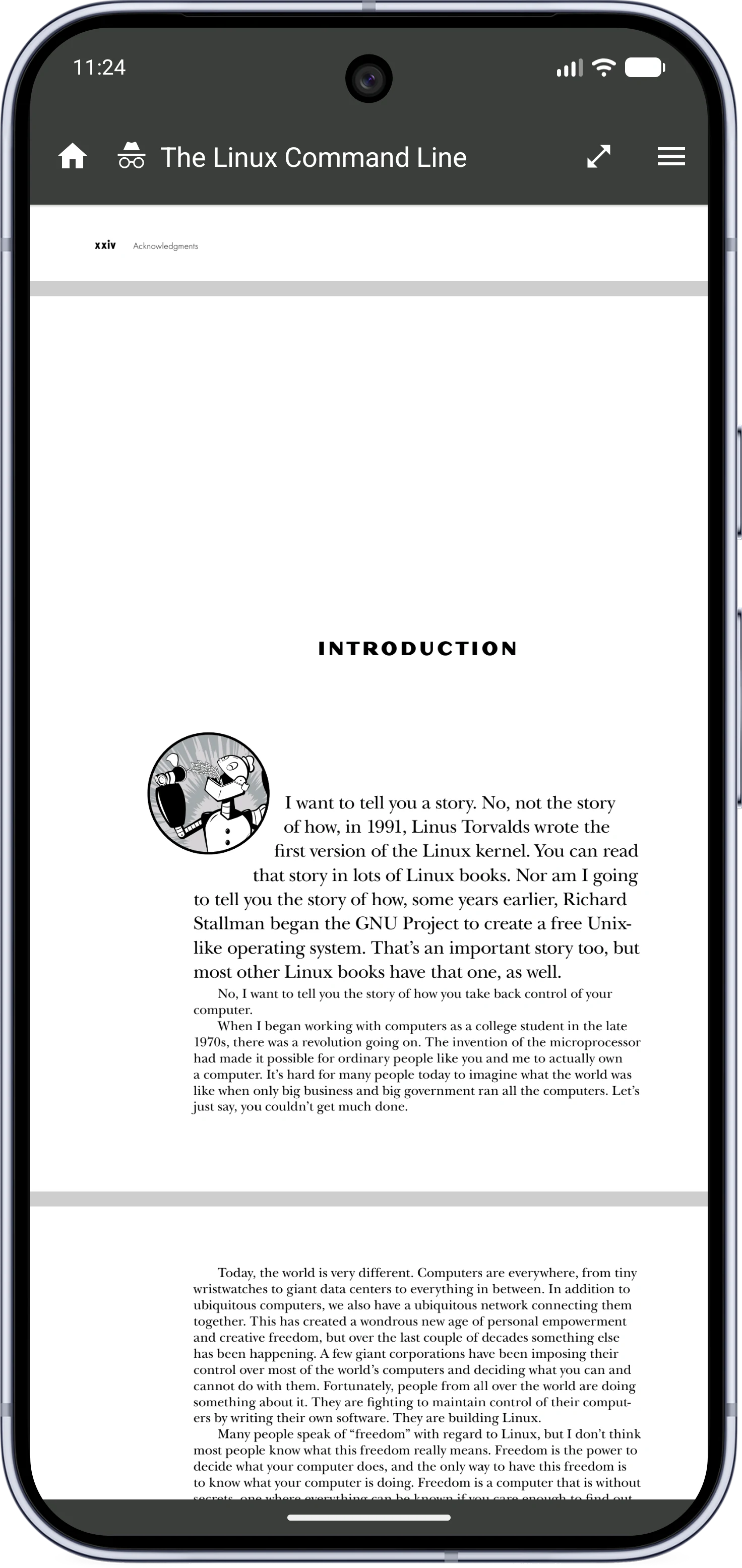
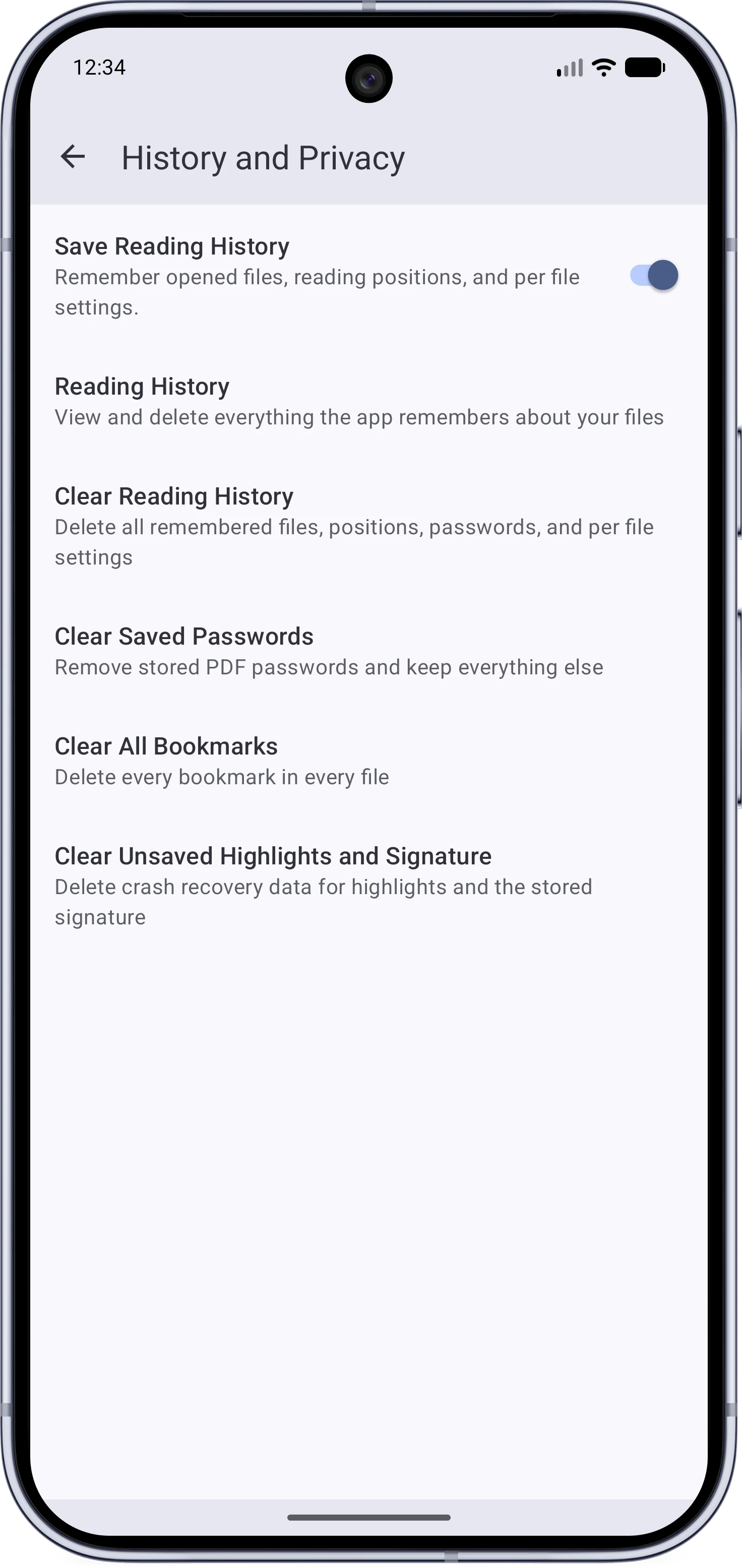
Incognito modeHistory and Privacy
The reader in incognito mode with a dark barThe History and Privacy settings page
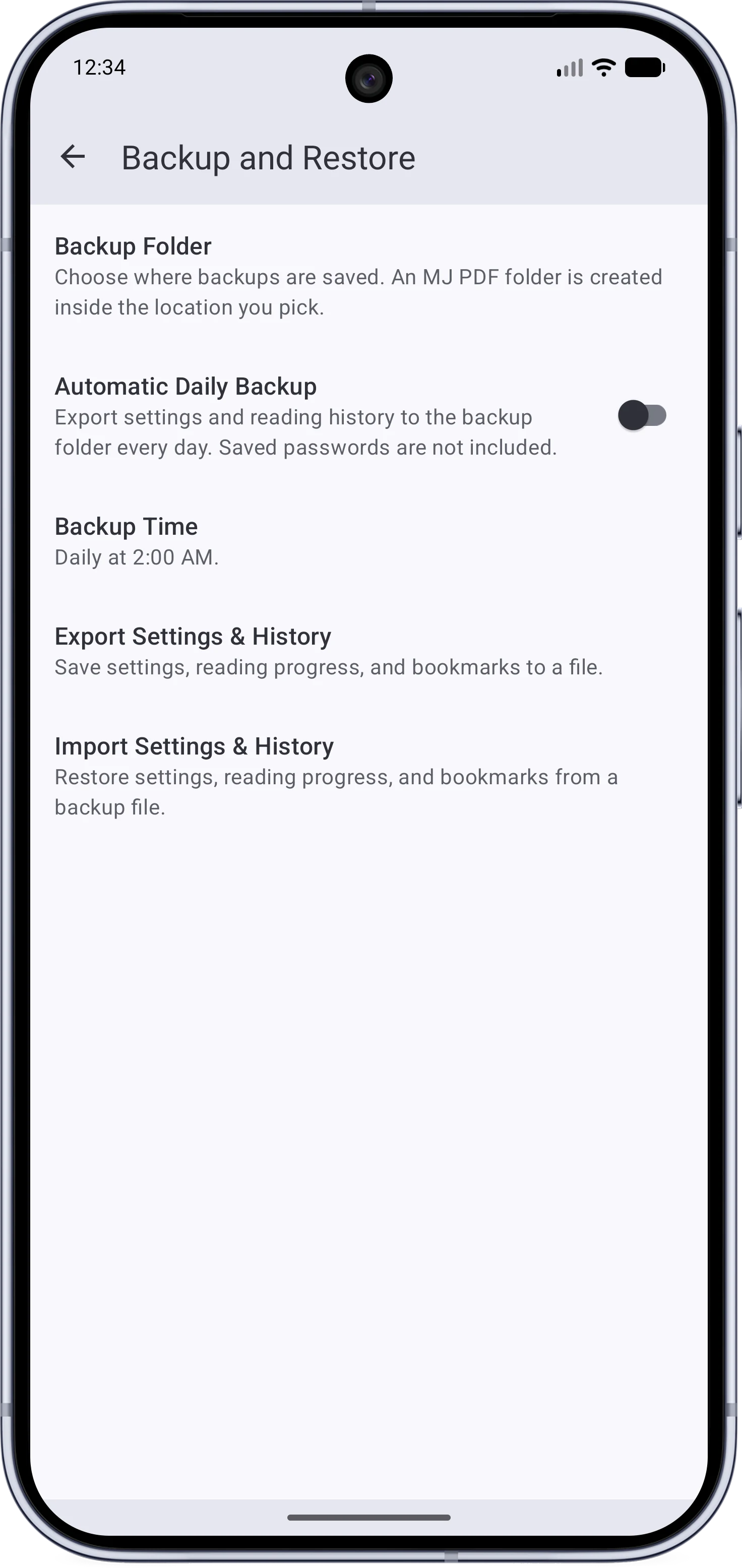
Backup and restoreSettings
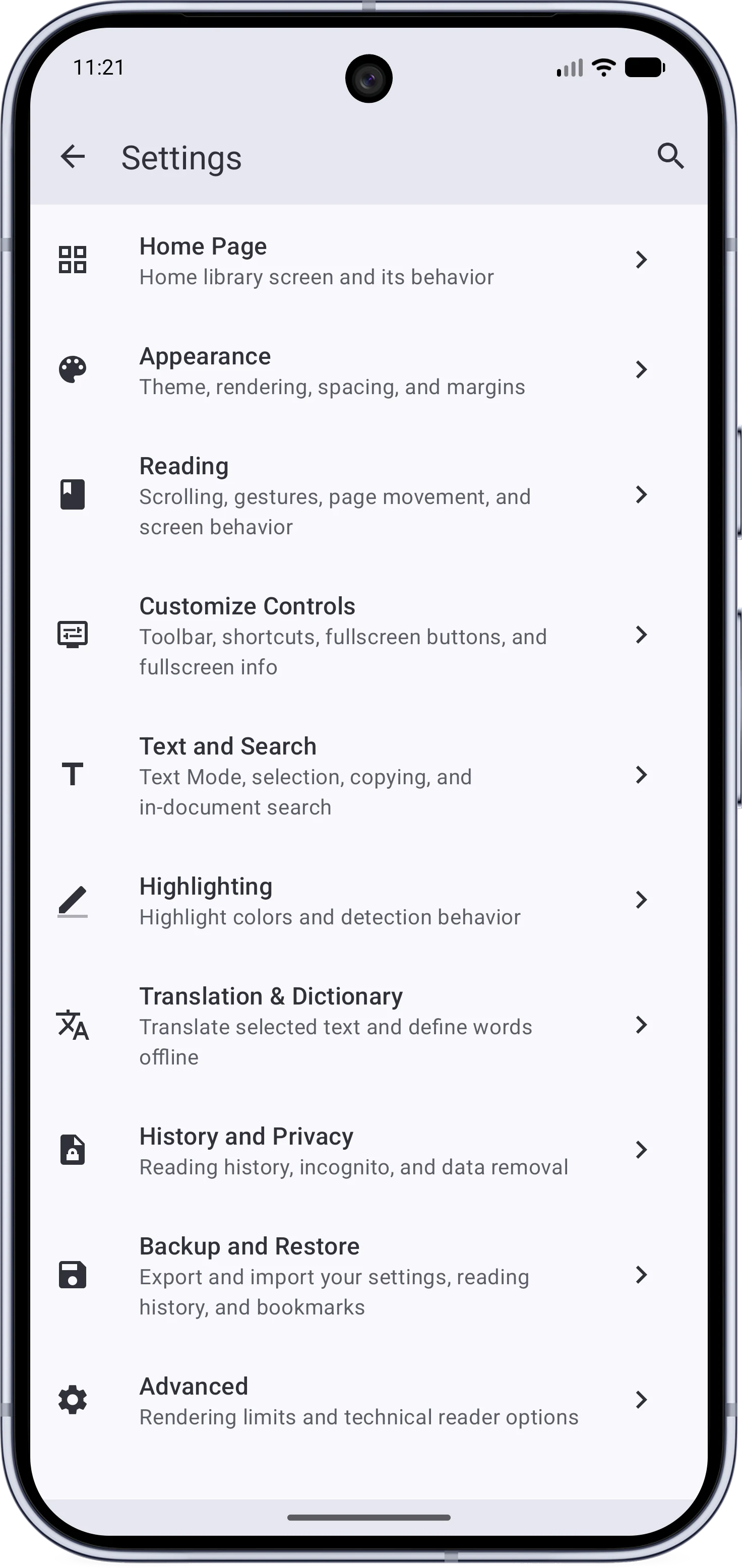
The backup and restore settingsThe reorganized settings
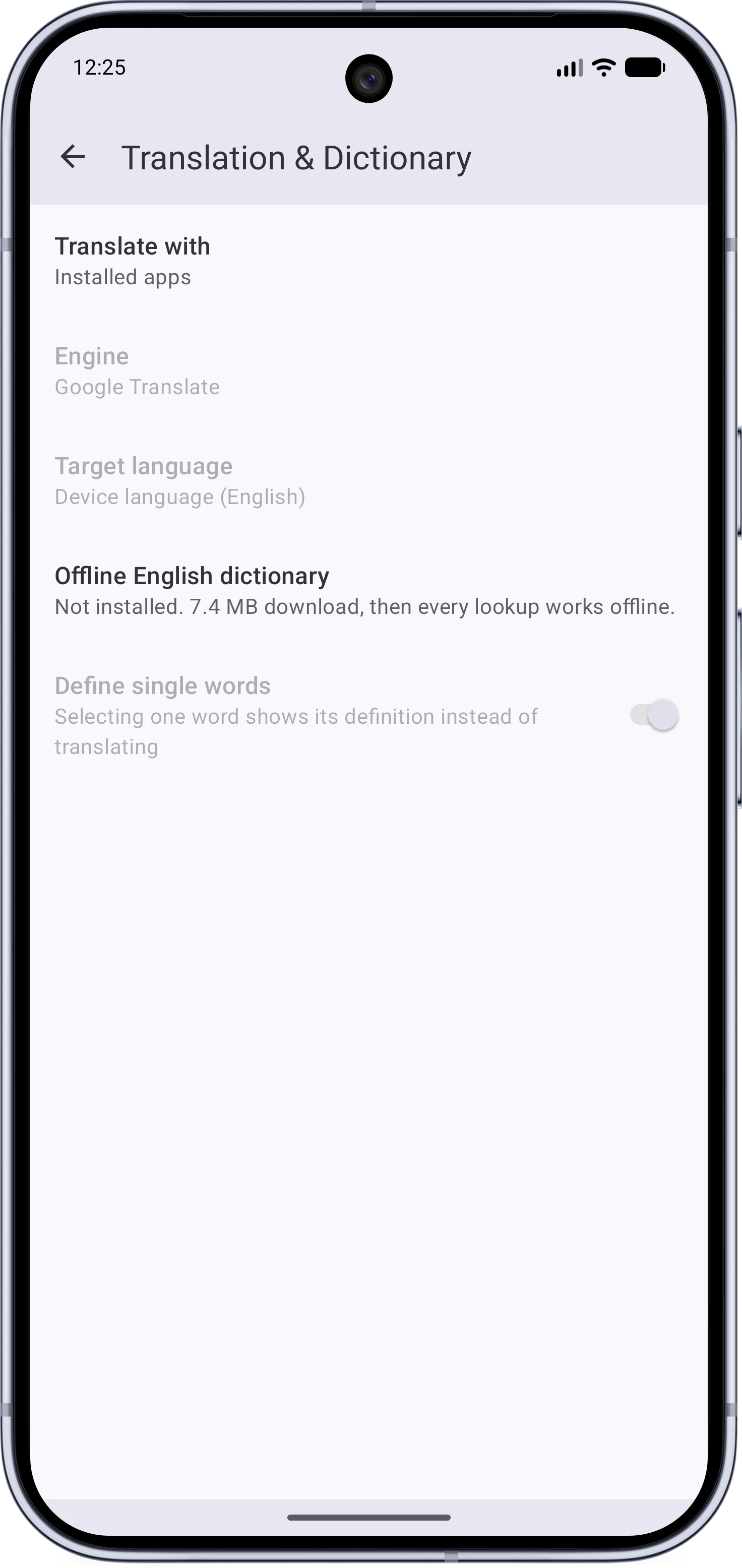
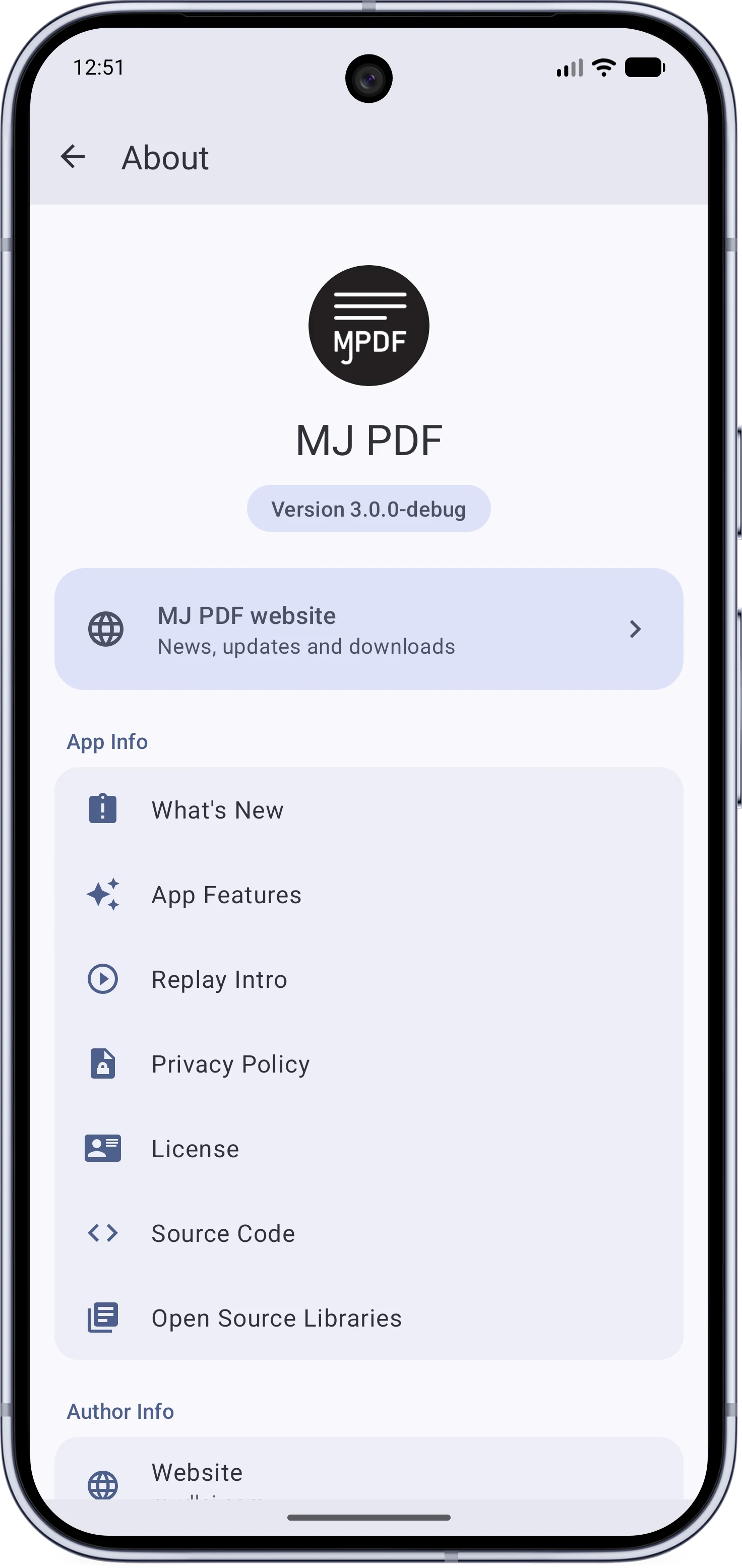
Translation settingsAbout
The Translation and Dictionary settings pageThe rebuilt About page
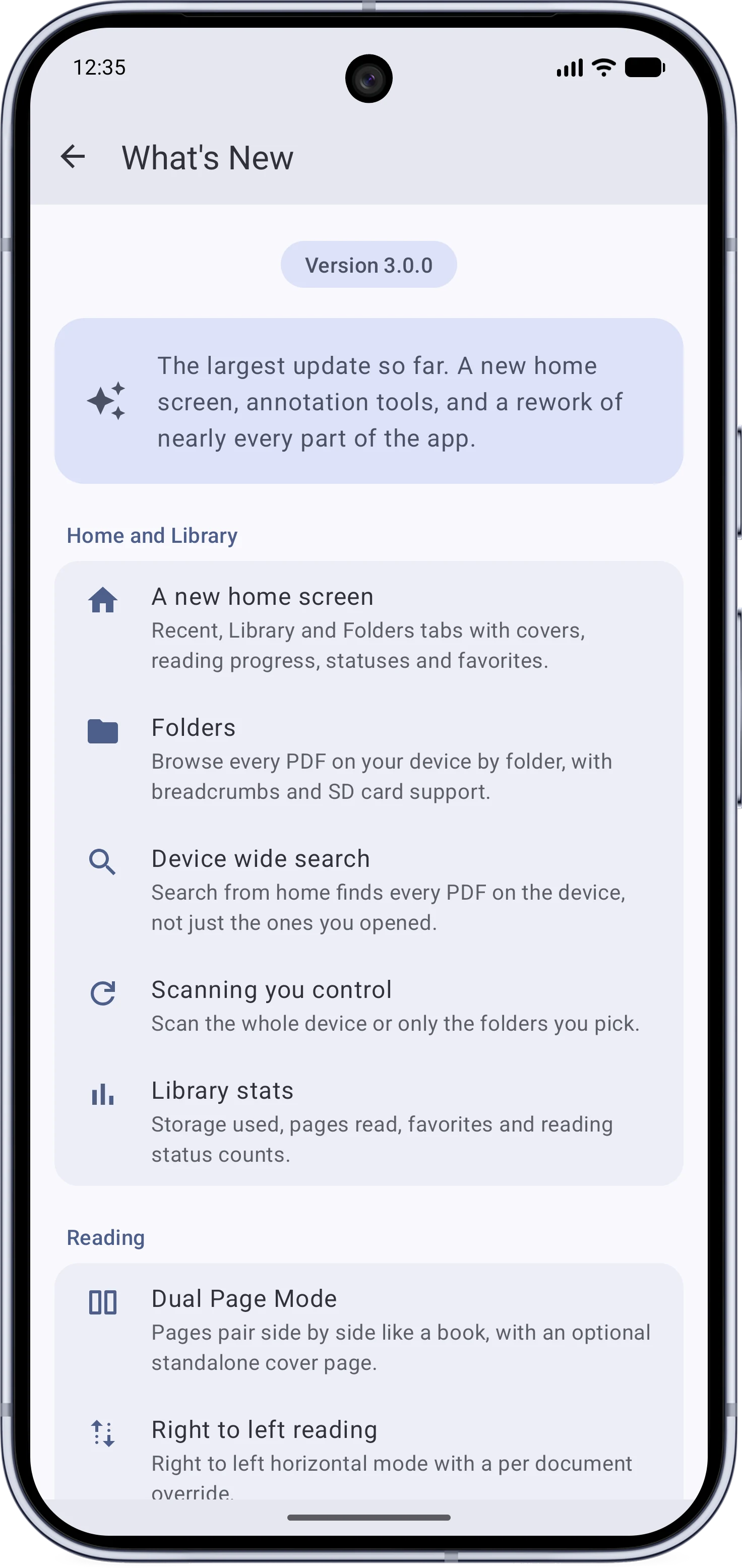
What’s New
The in-app What's New page