Project
MJ PDF
A fast, minimalist, powerful, and free PDF viewer for Android.
What is MJ PDF?#
MJ PDF is a fast, private, simple yet powerful PDF reader for Android.
Screenshots#
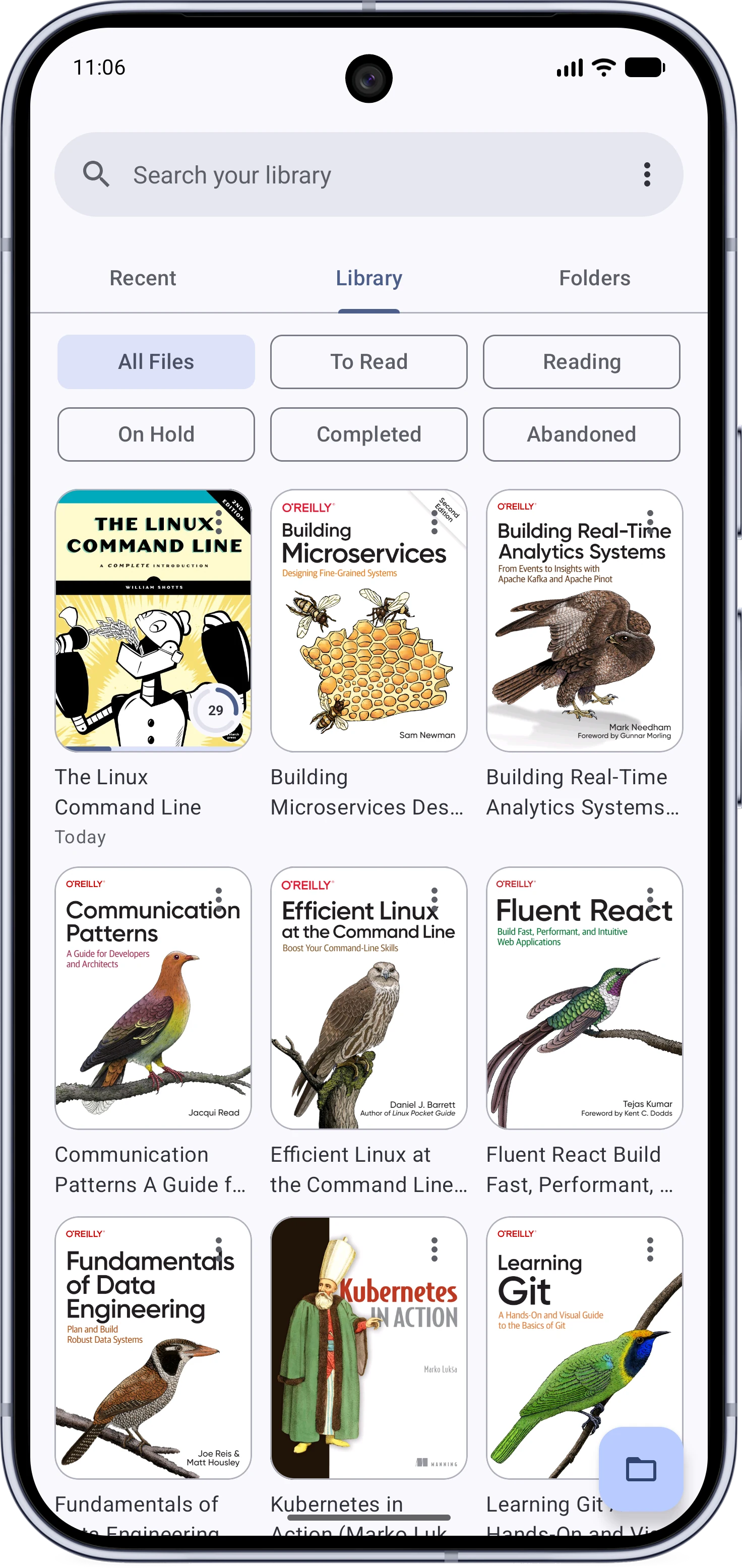
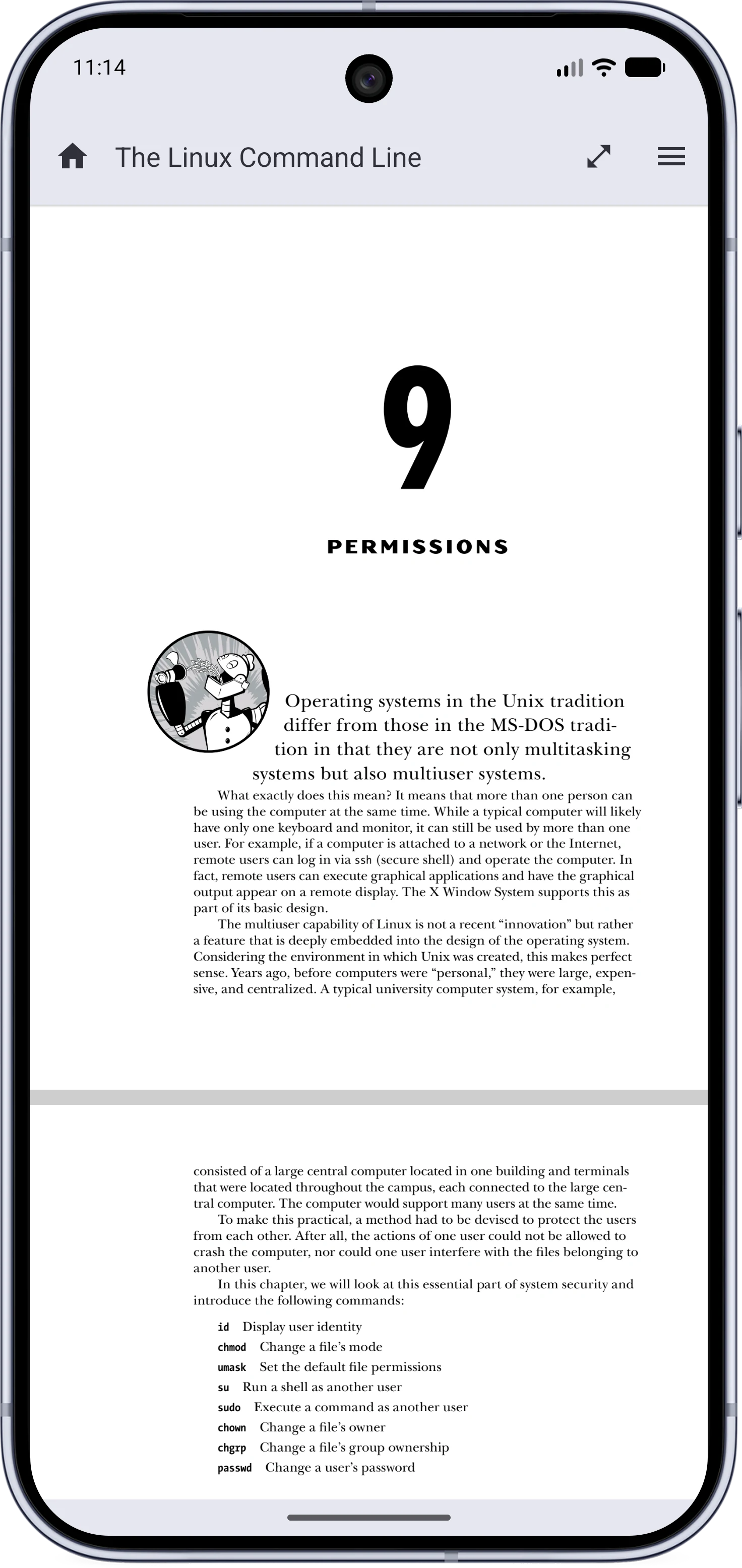
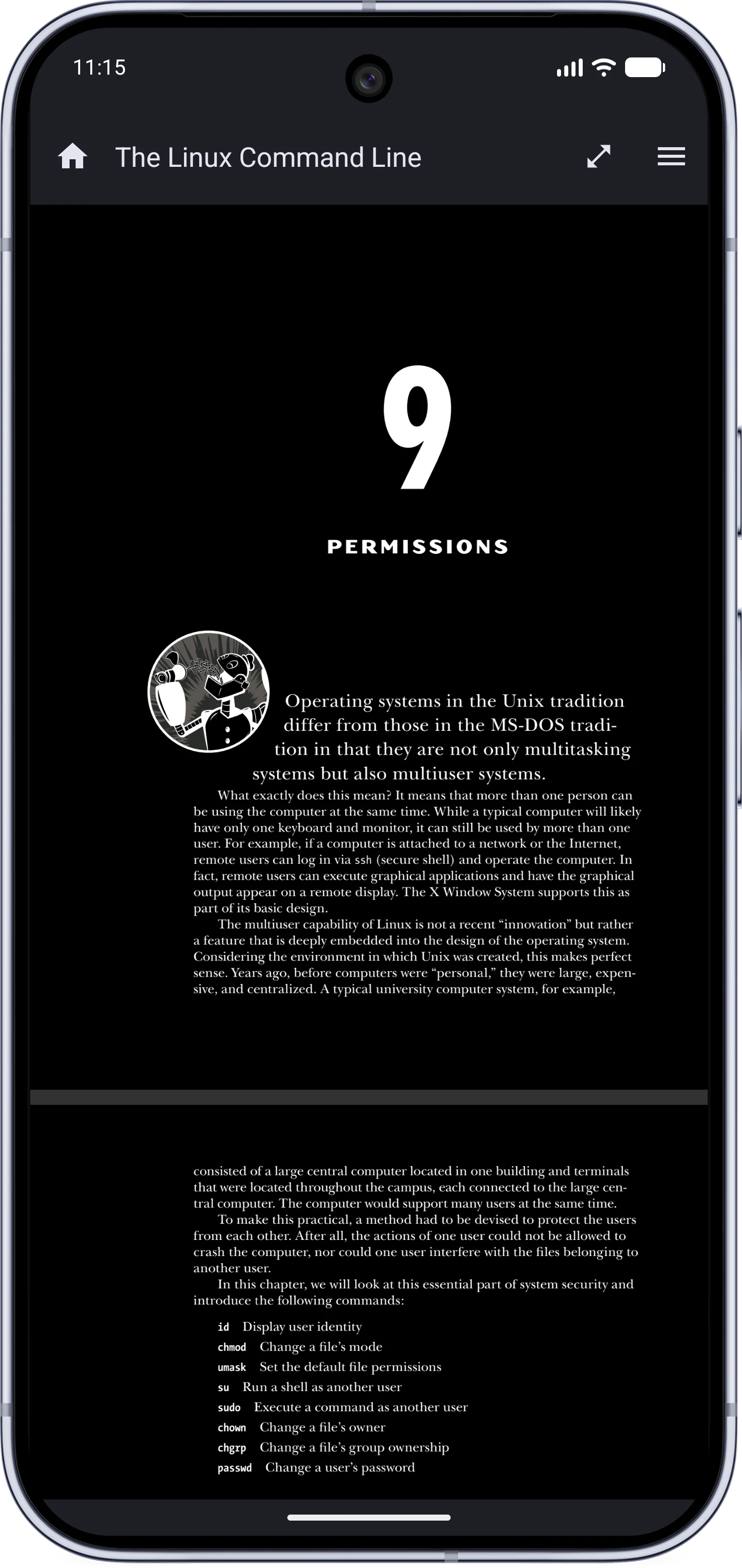
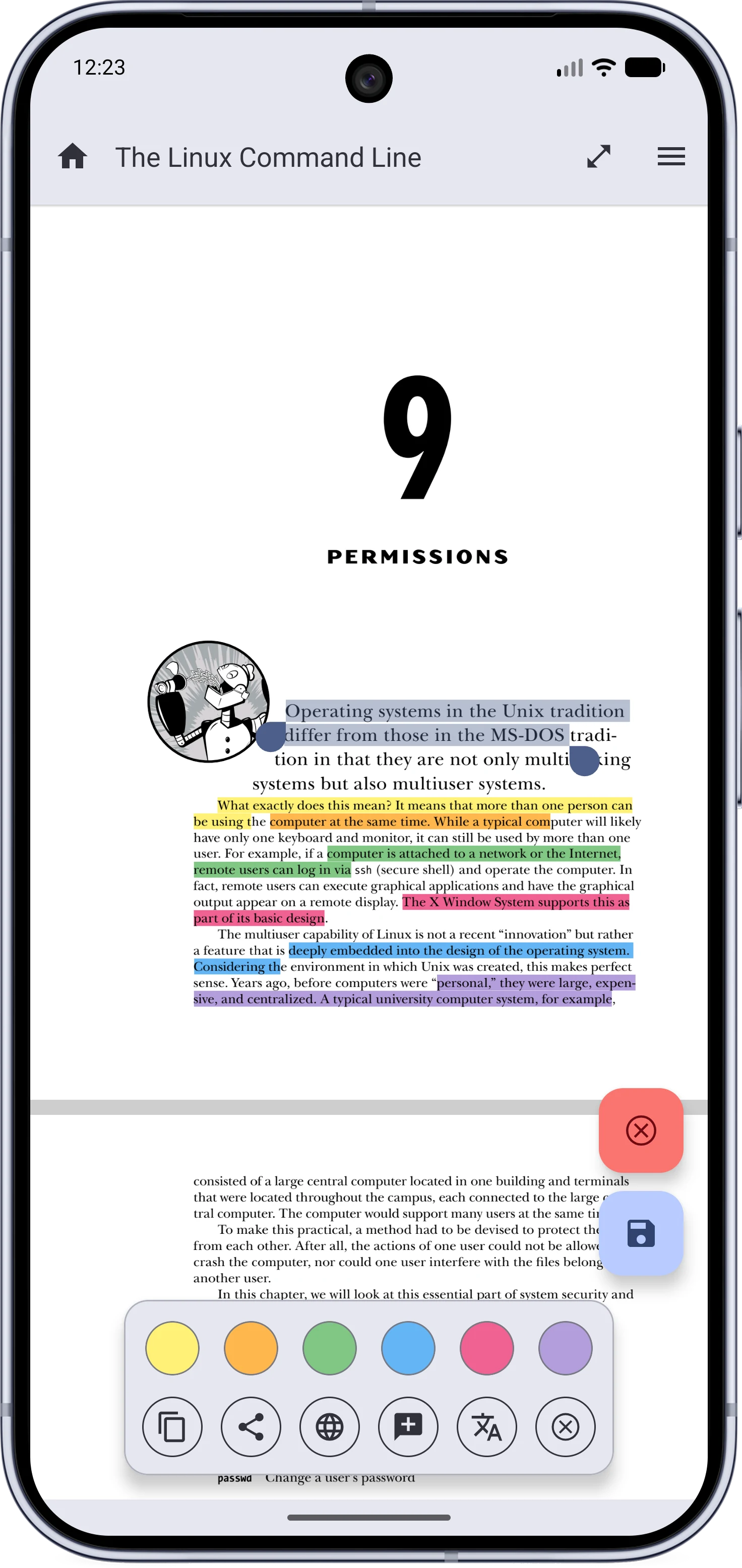
| Home | Light Mode | Dark Mode | Highlighting | Reader Menu | Table of Contents | Text Mode |
|---|---|---|---|---|---|---|
 |  |  |  | 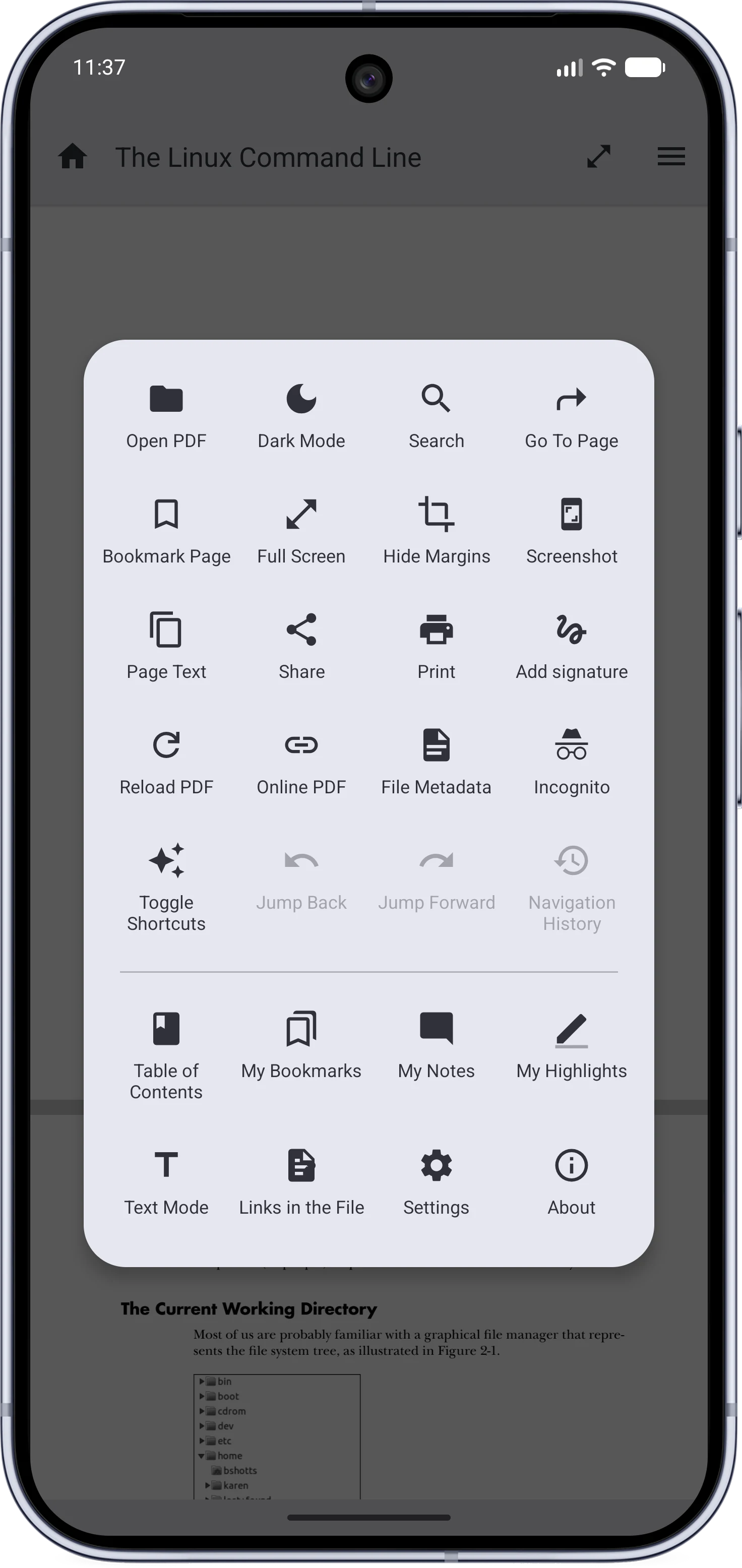 | 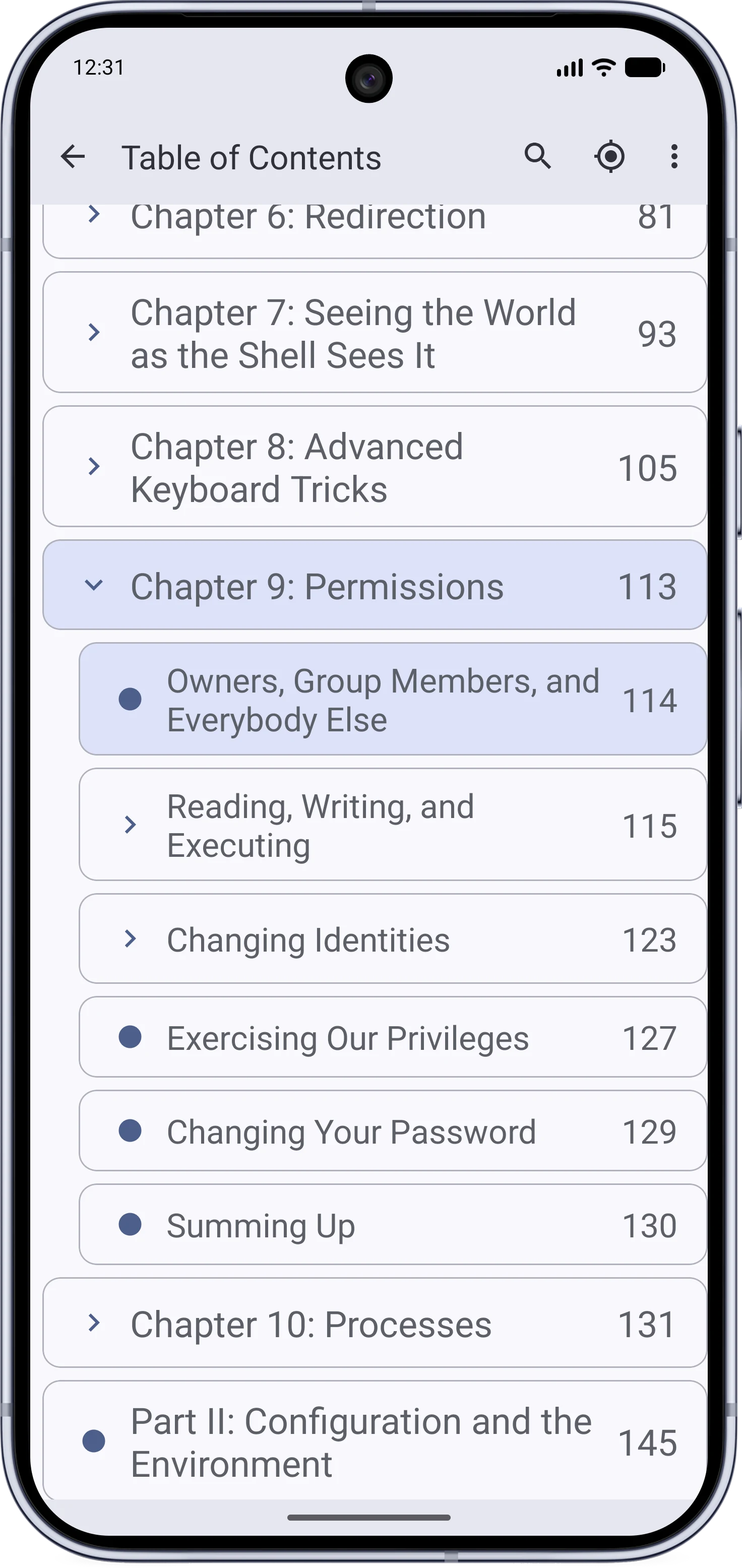 | 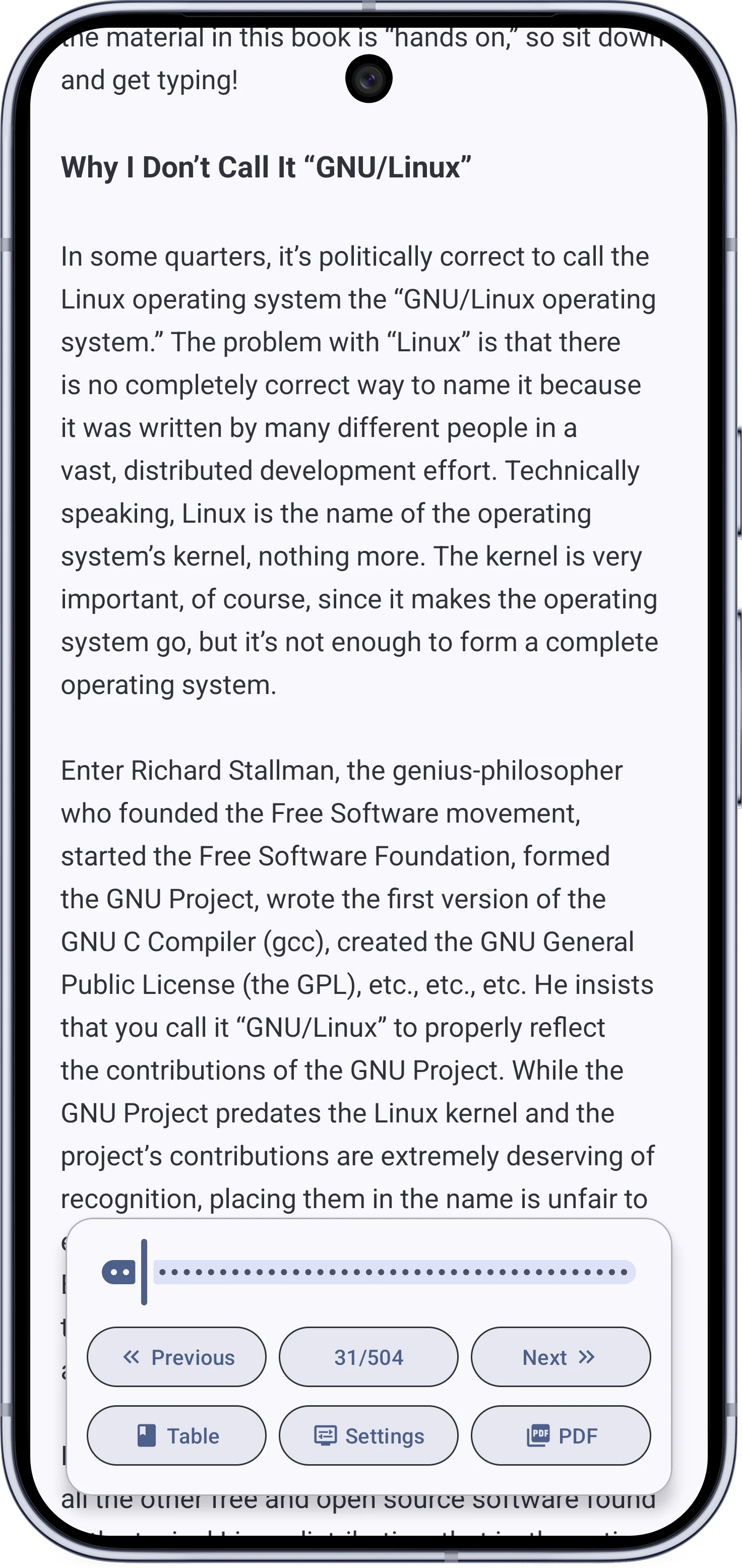 |
For screenshots of every feature, see the MJ PDF Gallery.
How to Get It#
MJ PDF is available on Google Play and the main F-Droid repository. It is also available through IzzyOnDroid or as a direct APK download.
Main Features#
Speed, Privacy, and Control
- Very Fast PDF opening and navigation.
- Open source and privacy-focused. (See more here.)
Library and Navigation
- Home screen: Recent tab, Library tab, Folders tab.
- Fast and powerful search.
- Table of contents and embedded link browsing.
- User Bookmarks and browser-like navigation history.
Reading
- Dark mode for the interface and the PDF content.
- Dual page mode to read side by side like a book.
- Remembers the last page opened in each document.
- Hide blank page margins.
- Support for left-to-right and right-to-left reading directions.
- Text Mode to read PDF as text.
Annotation
- Inline text selection with copy and web search.
- Highlight text and attach notes to highlights.
- Share quotes as styled images.
- Translate selected text, or define words with an optional offline dictionary.
- Add handwritten signatures to the PDF.
- Fill supported PDF forms.
Others
- Open online PDF links directly in MJ PDF.
- Open multiple app instances at the same time.
- Very configurable and customizable.
- Full-screen mode with controls to:
- Rotate the screen.
- Adjust brightness.
- Auto-scroll with adjustable speed.
- Lock horizontal navigation.
- Lock zoom.
- Take screenshots.
- Many other configurable actions.
Status#
MJ PDF is active and maintained.
Last major release MJ PDF v3.0.0 was released in July 2026. It is the biggest update in the app’s history, closer to a rewrite. Read the full tour in the here.
MJ PDF is still developed around the same principles: fast, private, offline-first, open source, and simple to use.
The code and issue tracker remain public: the source code and issues are on GitLab, with an issue-facing mirror on GitHub.
The Story Behind MJ PDF#
How It Started#
In 2022, I was looking for a privacy-focused PDF viewer for Android. I did not need my PDF app to connect to the internet. I just wanted it to open PDF documents well.
I looked around, but the options I found either had poor UX, were slow, ugly, or complicated, or lacked basic features I needed.
The closest thing I found was PDF Viewer Plus. It did not have everything I wanted, but it was close enough. Or so I thought.
After a few months, I got really fed up with some issues in the app, mainly that it did not remember the last page I had opened, along with a few other UI bugs.
Eventually, one small annoyance pushed me from complaining about the app to opening the code. It was open source, the problem was concrete, and I knew enough programming to at least try fixing it. This was before ChatGPT and modern coding assistants, so the work was mostly reading the codebase, tracing the behavior, and trying changes until the app did what I wanted.
The codebase also turned out to be approachable. It was not buried under an enterprise-style architecture; it was mostly the work of one developer, which made it much easier to understand and change.
I think I was able to fix two or three UI bugs that same day, and I also merged a PR someone else had opened to make the app remember the last opened page. That was enough for me to keep using the app and open a PR to the original repo. But I liked the feeling of changing the app to my liking, and I wanted to do more.
Two weeks later, I realized I had changed the app a lot. I had significantly simplified the interface and even forked the underlying libraries to make a few small tweaks I wanted for MJ PDF.
After all of these changes, I thought it would be rude to open a PR to the original repo that basically changed the whole app. So I published my version as a new app, called it MJ PDF Reader at first, and later renamed it to just MJ PDF.
Traction and Success#
After publishing MJ PDF, I realized I was not the only one looking for this kind of app. Many privacy-focused Android users wanted a simple PDF reader that stayed out of their way, and they appreciated MJ PDF for that.
When MJ PDF was on the Play Store, it had around 40K–50K active users and more than 150K total downloads on both Play Store and Izzy’s store.
A few days after I published MJ PDF, Gokul Swaminathan (@JavaCafe01), the author of the original app I had forked, reached out and said:
Hey! This is actually very cool, thanks for your hard work. I got tackled by college and work, so I have to scrap my PDF Viewer Plus project. I’ll be taking it off the playstore and FDroid, and I’ll be archiving the repo. I’ll also link to this project as it is loads better in terms of features, as long as it stays FOSS.
Three months later he archived the GitHub page for PDF Viewer Plus and wrote in the README:
Hi everyone, you’ve probably noticed, but I haven’t been maintaining this project at all. Unfortunately, I have not been interested in developing anymore, do to Uni being more intense than ever.
The good news is that there is a great project based off of PdfViewer Plus, MJ PDF Reader, over on GitLab. The author has kept it FOSS, has been refractoring the code (especially my terrible code), converting it to Kotlin, and also adding more features. Please go ahead and support that project!
Due to that project existing, I will be taking down the apks off of the Playstore (if Google hasn’t done that already), and take down the F-Droid listing for it.
I was happy to see that other people found MJ PDF to be a useful utility in their lives. What surprised me was that many people chose it for reasons I had not expected.
No Ads#
This might be the number one reason people on the Play Store mentioned for choosing MJ PDF. It surprised me at first, but it makes sense in hindsight. Almost all of the apps I use on my phone are open source and ad-free, so I had taken that for granted and never thought to highlight it when talking about MJ PDF.
Small Size#
That was another surprise, especially because it was a happy accident. Remember when I said I forked the underlying libraries to make a few tweaks to the UI/UX? Yep, that little move made building the app a lot more efficient and cut the app size by more than 75%, bringing it down to a tiny 5 MB on the Play Store.
I also did not talk about this at first because I had not realized that other popular PDF readers on the Play Store were hundreds of megabytes.
Minimalism, Simplicity, and Speed#
These were the qualities I was intentionally working toward, so I was glad to see that other people valued them too.
V3.0.0#
In July 2026 MJ PDF v3.0.0 was released. This is a very special release. With this version, MJ PDF:
- has been completely rewritten and is no longer a fork.
- fulfills long-standing user requests.
- fixes issues that have remained unresolved for years.
- finally meets almost all of my personal needs from the app.
- introduces a cleaner, more maintainable architecture.
- adds the customizability and configurability I always wanted to add.
- builds on what it already does best: being fast, lightweight, private, and powerful.
FAQ#
What makes MJ PDF privacy-focused?#
Unlike security, privacy is usually achieved by not doing the bad things.
MJ PDF does not collect any data and can function fully offline. The following permissions are required to provide specific features in the app:
- Internet:
- (Optional) For opening PDFs through links.
- (Optional) Share a crash report only if the user taps the SEND button on the popup.
- Storage: For saving downloaded PDFs and opening files from storage.
What is the issue mentioned in the Exodus Privacy report?#
Exodus Privacy reports a tracker in MJ PDF. This is ACRA (Application Crash Report for Android), an open-source library used by developers to collect crash reports to improve the app’s stability.
It is only for crash reports, and even then it does NOT send anything unless the user explicitly taps the SEND button when a crash happens. Learn more here.
Is MJ PDF abandoned?#
No. See Status.
Can you add feature X?#
Did you check MJ PDF v3.0.0? If your feature is not there yet, open an issue on GitLab or GitHub.
The app is still intentionally focused, so not every request will make it in.
Acknowledgments#
Even though MJ PDF is written by me, Mudlej, it stands on the shoulders of giants.
MJ PDF before v3.0.0#
Aside from the original app, PDF Viewer Plus by Gokul Swaminathan (@JavaCafe01), there are three open-source layers below MJ PDF:
- AndroidPdfViewer by @barteksc: A library that displays PDF page images on screen and handles scrolling, zooming, and related reader behavior.
- PdfiumAndroid by @barteksc: A library that exposes PDFium functionality to Android/Java code.
- PDFium by Google: The engine that performs the actual PDF-to-image conversion.
MJ PDF after v3.0.0#
Starting in v3.0.0, MJ PDF now maintains its own forks of AndroidPdfViewer and PdfiumAndroid.
They are no longer just lightly patched dependencies: MJ PDF uses them to customize reader behavior, improve rendering performance, support text selection and extraction, detect crop margins, handle PDF forms, create and edit annotations, save signatures into PDFs, and expose the PDFium features needed by the app.
MJ PDF also maintains its own PDFium build pipeline so the native libraries can be updated, patched, and optimized for MJ PDF instead of relying on old prebuilt binaries.
License#
MJ PDF uses the GPLv3 license.